
Theory · C1 Licence - Light Truck · Module 4 of 18
The tachograph and its records
You learn to use analogue, digital and smart v2 tachographs, identify their cards and record all your activity without gaps. You can distinguish the periods for checks, downloads and retention, deal with incidents and recognise the prohibitions, penalties and exemptions covered in the C1 licence exam.
1What it is for and when you must use it
Use the tachograph to record your activity when your transport is covered by the rules.
| Goods transport, unless exempt | MMA of vehicle or combination |
|---|---|
| General rule | Over 3.5 tonnes |
| International transport or cabotage | Over 2.5 tonnes |
Remember
- Check the MMA: maximum authorised mass, not actual load.
- Add the trailer’s MMA.
- Check the service and any possible exemptions.
- Record speed, distance and activities.
- Use it on empty journeys that are part of covered operations.
- Do not confuse your driving licence with a tachograph exemption.
Exam trap: Wrong: you can skip the tachograph when travelling empty. Right: use it on empty journeys that form part of a covered operation. Wrong: applying for C1 or C1+E always exempts you from those theory subjects. Right: if you apply for C1 or C1+E and fall outside the tachograph rules, you are exempt from subjects a), b) and c): driving time, rest, tachographs and working time; specific goods vehicle traffic rules; and driver, vehicle and transport documents.
Read the full explanation
- The tachograph is the recording equipment that allows your driving activity and the movement of your lorry to be checked. It records speed, distance and periods of driving, other work, availability, breaks and rest. [Regulation 165/2014, arts. 2 and 4](https://www.boe.es/buscar/doc.php?id=DOUE-L-2014-80362)
- When carrying goods, you must use the tachograph when the MMA (maximum authorised mass) of the vehicle, including any trailer or semi-trailer, exceeds 3.5 tonnes, unless an applicable exclusion or exemption applies. For international transport or cabotage, the scope also includes vehicles or vehicle combinations exceeding 2.5 tonnes, unless an applicable exclusion or exemption applies. Your C1 lorry falls within the scope because of its MMA, but the obligation also depends on the transport operation: it is the authorised mass that counts, rather than the load on that day. [Regulation 561/2006, arts. 2 and 3, and Regulation 165/2014, art. 3, as amended by 2020/1054, arts. 1-2](https://www.boe.es/buscar/doc.php?id=DOUE-L-2020-81223)
- You must also use it on unladen journeys forming part of an operation covered by the rules. Driving an empty lorry, being self-employed or driving a short distance does not in itself provide an exemption: road transport includes both laden and unladen journeys. [Regulation 561/2006, arts. 2 and 4.a](https://www.boe.es/buscar/doc.php?id=DOUE-L-2006-80632)
- You must distinguish your driving licence entitlement from the scope of the tachograph rules. With C1, you can drive a lorry with an MMA exceeding 3,500 kg but not exceeding 7,500 kg, with a trailer of up to 750 kg; for an exemption limited to 7.5 tonnes, you must add the MMA of the trailer. For example, a 7,500 kg lorry with a 750 kg trailer exceeds that threshold even though you can drive it with C1. [RGCond, art. 4.2](https://www.boe.es/buscar/act.php?id=BOE-A-2009-9481#a4) [Regulation 561/2006, art. 3.h](https://www.boe.es/buscar/doc.php?id=DOUE-L-2006-80632)
- If you apply for C1 or C1+E and are outside the scope of Regulation (EEC) 3821/85, references to which are understood as references to Regulation 165/2014, you are exempt from subjects a), b) and c) of point 2.4.º of Annex V.B: driving times, rest periods, recording equipment and working time for mobile workers; specific rules on the movement of goods vehicles; and driver, vehicle and transport documents. [RGCond, Annex V.B.2, points 4.º and 6.º](https://www.boe.es/buscar/act.php?id=BOE-A-2009-9481#anv) [Regulation 165/2014, art. 47](https://www.boe.es/buscar/doc.php?id=DOUE-L-2014-80362)
- You must record your activity accurately so that compliance with the limits applying to your work can be checked; maximum driving times, breaks and rest periods are covered in “Driving, breaks and rest periods”. [Regulation 165/2014, arts. 1 and 32](https://www.boe.es/buscar/doc.php?id=DOUE-L-2014-80362)
2Three types of tachograph
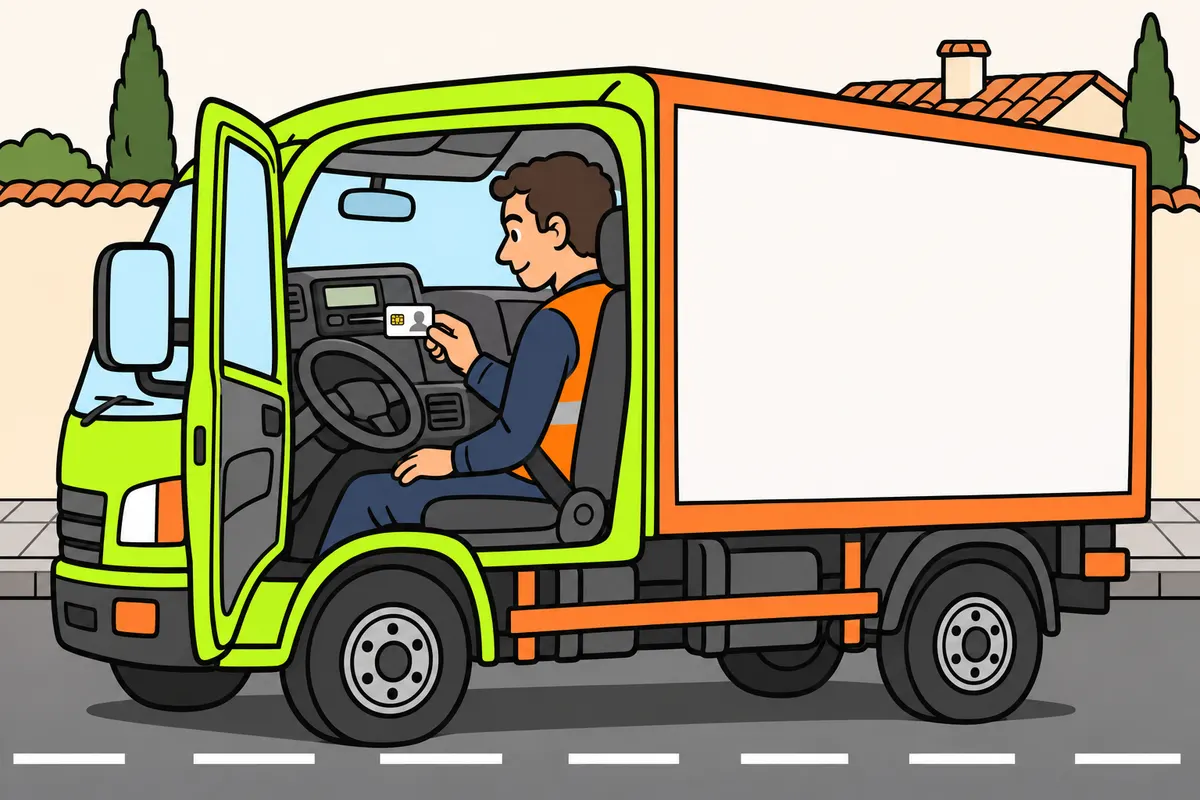
Identify your tachograph type and learn how to use its functions.
| Tachograph type | What you use or recognise |
|---|---|
| Analogue | Record sheet or chart |
| Digital | Personal card and vehicle unit |
| Smart | Digital; adds satellite positioning and remote communication |
Remember
- With an analogue unit, complete your details and the journey details.
- Your chart or card goes with you when you change lorries.
- A digital vehicle unit also stores data.
- Learn the menus before starting work.
Exam trap: Wrong: every digital tachograph has all smart v2 functions. Right: check the unit’s version.
Read the full explanation
- With an analogue tachograph, you use a record sheet, usually a chart disc, on which activities, speeds and distances are traced. You must fill in your personal and journey details; the disc belongs to the driver it identifies, even if you change lorries while using it. [Regulation 165/2014, art. 34.6 and Annex I](https://www.boe.es/buscar/doc.php?id=DOUE-L-2014-80362)
- With a digital tachograph, you use a personal card and a unit installed in the vehicle. The card keeps track of your activity when you change lorries, while the unit retains the data relating to the vehicle and the drivers who have used it. [Regulation 165/2014, arts. 2 and 4](https://www.boe.es/buscar/doc.php?id=DOUE-L-2014-80362)
- The smart tachograph is digital and incorporates satellite positioning and remote communication functions for enforcement purposes. You must distinguish the first smart version from version 2: a device being digital or having positioning does not mean it has all the functions of v2. [Regulation 165/2014, arts. 8-10](https://www.boe.es/buscar/doc.php?id=DOUE-L-2014-80362) [Regulation 2020/1054, art. 2](https://www.boe.es/buscar/doc.php?id=DOUE-L-2020-81223)
- To make entries, you must follow the instructions for the equipment installed. Menus can vary between manufacturers: locate the functions for manual entries, countries, printing and specific conditions before starting work, so that you can use them correctly when each operation is required. [Regulation 165/2014, arts. 32-34](https://www.boe.es/buscar/doc.php?id=DOUE-L-2014-80362)
3Smart tachograph v2
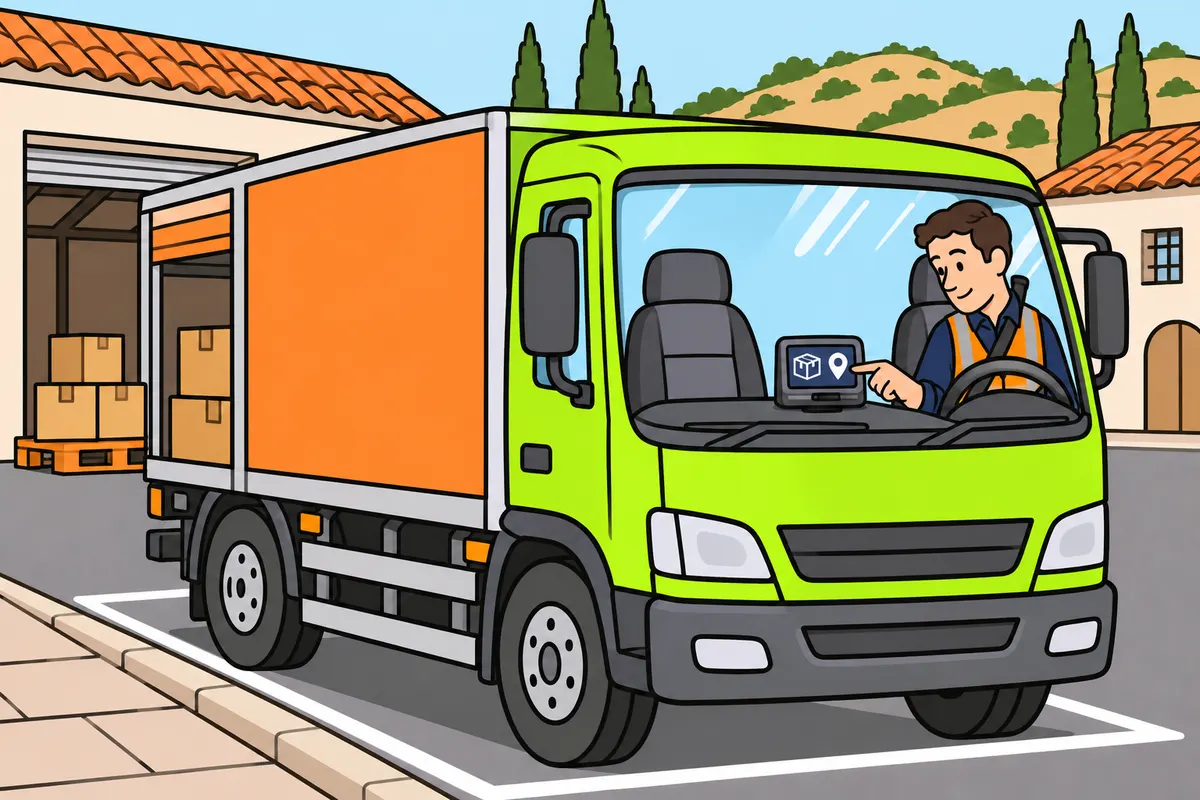
With smart v2, confirm operations and places even though it records locations automatically.
Remember
- Check equipment requirements if your lorry is subject to tachograph rules.
- From the stated registration date, your new C1 lorry must have v2.
- Also if registered in one Member State and operating in another.
- Enter loading, unloading or both before leaving the site.
- Check the suggested place before confirming it.
- Remote detection does not produce automatic fines.
Exam trap: Wrong: automatic coordinates identify whether you loaded or unloaded. Right: enter and confirm the operation before leaving the site.
Read the full explanation
- Your C1 lorry subject to tachograph requirements must have a smart tachograph v2 if it is first registered on 21 August 2023 or later. You must also have this version if the lorry is registered in one Member State and operates in another Member State, even if its MMA does not exceed 7.5 tonnes. The international equipment requirement depends on the scope of the transport operation and where the vehicle is registered and operates, rather than on whether you can enter countries manually. [Regulation 165/2014, art. 3.4 and 3.4 bis, as amended by 2020/1054, art. 2](https://www.boe.es/buscar/doc.php?id=DOUE-L-2020-81223) [Regulation 2021/1228, art. 2](https://www.boe.es/buscar/doc.php?id=DOUE-L-2021-81052) [Regulation 2023/980, arts. 2-3](https://www.boe.es/doue/2023/134/L00028-00035.pdf) [DGT, international bulletin 29: adaptation timetable](https://www.dgt.es/export/sites/web-DGT/.galleries/downloads/conoce_la_dgt/que-hacemos/boletin-internacional/internacional/BOLETIN-INTERNACIONAL-N29-ES.pdf)
- The smart tachograph v2 automatically records the location at these times: the start and end of the daily working period, crossings of Member State borders, loading or unloading operations and every three hours of accumulated driving. Those three hours are an interval for recording geographical location, rather than a break duration or permission to drive. [Regulation 165/2014, art. 8, as amended by 2020/1054, art. 2.5](https://www.boe.es/buscar/doc.php?id=DOUE-L-2020-81223)
- With v2, you must enter and confirm whether you carry out loading, unloading or both simultaneously, before leaving the site of the operation. The device associates the location with the event: automatically recording coordinates does not mean it can work out for itself which goods operation you have carried out. [Regulation 2016/799, Annex IC, point 3.6.4, added by 2021/1228](https://www.boe.es/buscar/doc.php?id=DOUE-L-2021-81052)
- With the smart tachograph v2, you must respond to requests to confirm or correct the location shown by the device based on its positioning and maps. The location suggested by the equipment allows you to make the entry, but you must check that it corresponds to the actual location of the operation before confirming it. [Regulation 2016/799, Annex IC, point 3.6.1, as amended by 2021/1228](https://www.boe.es/buscar/doc.php?id=DOUE-L-2021-81052)
- You must understand that remote communication is used to select vehicles that require checks, for example where there are signs of tampering. This early detection does not in itself result in automatic fines: the authorities can carry out the relevant check to establish whether there is an infringement. [Regulation 165/2014, art. 9](https://www.boe.es/buscar/doc.php?id=DOUE-L-2014-80362).
4The four cards and their colours

Recognise each card by its colour and use your driver card to drive.
| Card | Main colour | Purpose |
|---|---|---|
| Driver | White | Identify you and store your activity |
| Company | Yellow | Access its data and lock access |
| Control | Blue | Inspect records |
| Workshop | Red | Activate, calibrate and check equipment |
Remember
- To drive with a digital tachograph, use your driver card.
- The company card gives access to the company’s own data.
- In Spain, company and control cards last five years.
Exam trap: Wrong: you can drive with the company card. Right: use your personal driver card.
Read the full explanation
- The driver card has a predominantly white background. It identifies you personally and stores data on your activity; it is the card you use to drive a lorry with a digital tachograph. [Regulation 165/2014, art. 2](https://www.boe.es/buscar/doc.php?id=DOUE-L-2014-80362) [Regulation 2016/799, Annex IC, point 4.1](https://www.boe.es/buscar/doc.php?id=DOUE-L-2016-80895)
- The company card has a predominantly yellow background. It allows the company to identify itself and access, view, print and transfer the data relating to it, as well as set its access locks. [Regulation 165/2014, art. 2](https://www.boe.es/buscar/doc.php?id=DOUE-L-2014-80362) [Regulation 2016/799, Annex IC, points 4.1 and 4.5.6](https://www.boe.es/buscar/doc.php?id=DOUE-L-2016-80895)
- The control card has a predominantly blue background. Authorities and authorised officers use it to access data from the unit and cards for inspection purposes; its function is to check compliance with the rules. [Regulation 165/2014, art. 2](https://www.boe.es/buscar/doc.php?id=DOUE-L-2014-80362) [Regulation 2016/799, Annex IC, points 4.1 and 4.5.5](https://www.boe.es/buscar/doc.php?id=DOUE-L-2016-80895)
- The workshop or test centre card has a predominantly red background. Authorised personnel use it for operations such as activation, calibration, testing and data transfer. Its maximum validity is one year; the driver card has a maximum validity of five years. Company and control cards are valid for five years in Spain. [Regulation 165/2014, arts. 2, 25 and 26](https://www.boe.es/buscar/doc.php?id=DOUE-L-2014-80362) [Order FOM/1190/2005, arts. 11 and 21](https://www.boe.es/buscar/act.php?id=BOE-A-2005-7137) [Regulation 2016/799, Annex IC, point 4.1](https://www.boe.es/buscar/doc.php?id=DOUE-L-2016-80895)
5Your personal card and renewing it
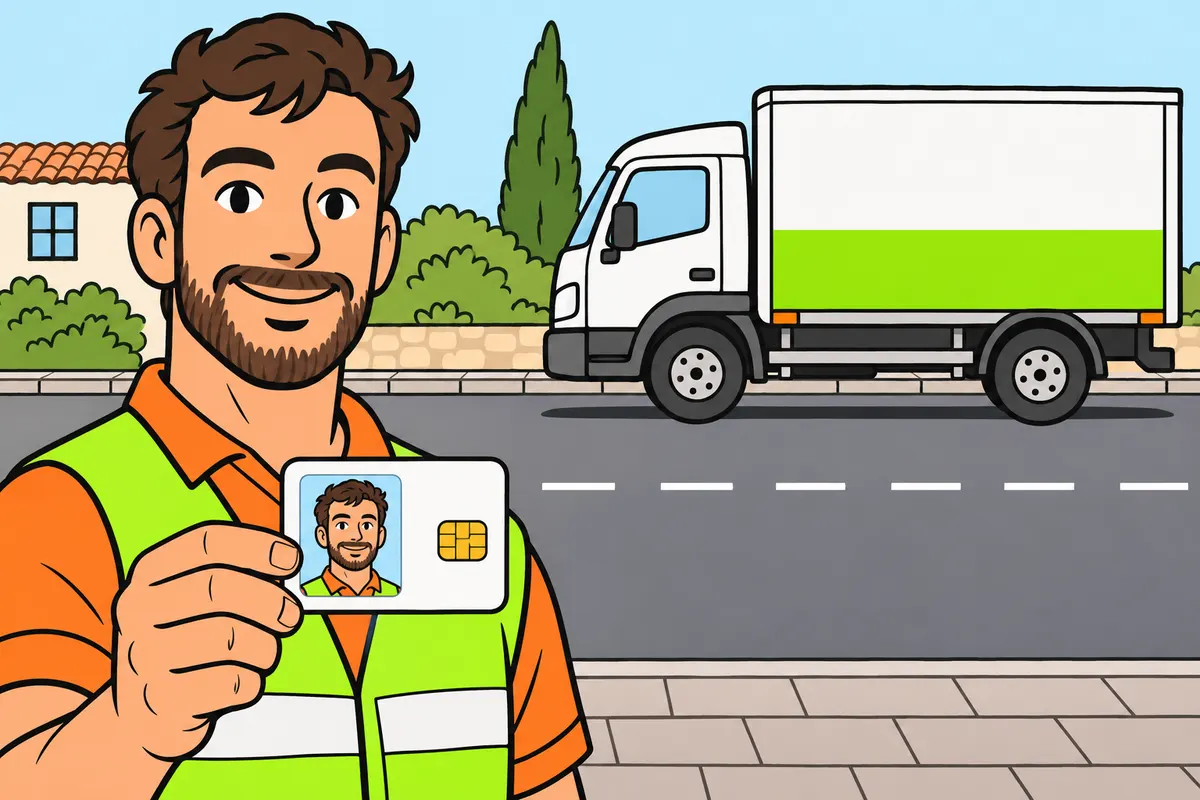
Use only your own valid driver card and renew it on time.
Remember
- You may hold only one valid driver card.
- Do not use an expired or faulty card or lend yours.
- Apply in the Member State where you normally live.
- Protect your card and check that the unit recognises it.
- Tell a card fault apart from a tachograph fault.
Exam trap: Wrong: applying to renew extends your card. Right: apply at least fifteen working days before expiry; the old card still expires on its due date.
Read the full explanation
- You can hold only one valid driver card and may use only your own. You must not use expired or defective cards; you must not lend your card to a colleague either. [Regulation 165/2014, art. 27](https://www.boe.es/buscar/doc.php?id=DOUE-L-2014-80362)
- You must apply for the card to the competent authority of the Member State where you have your normal residence. Driver cards issued by Member States are mutually recognised. [Regulation 165/2014, arts. 26 and 30](https://www.boe.es/buscar/doc.php?id=DOUE-L-2014-80362)
- You must apply for renewal at least fifteen working days before expiry. If you submit the application on time, the authority must provide the new card before the old one expires; check the dates and organise the procedure, because merely applying does not extend the validity of the card. [Regulation 165/2014, arts. 27 and 28](https://www.boe.es/buscar/doc.php?id=DOUE-L-2014-80362)
- You must protect the card from dirt and damage and check that the equipment recognises it. If a fault occurs, distinguish a card problem from a tachograph malfunction; this determines whether you follow the card replacement procedure or the equipment repair procedure. [Regulation 165/2014, arts. 29, 34, 35 and 37](https://www.boe.es/buscar/doc.php?id=DOUE-L-2014-80362)
6Driving and other work
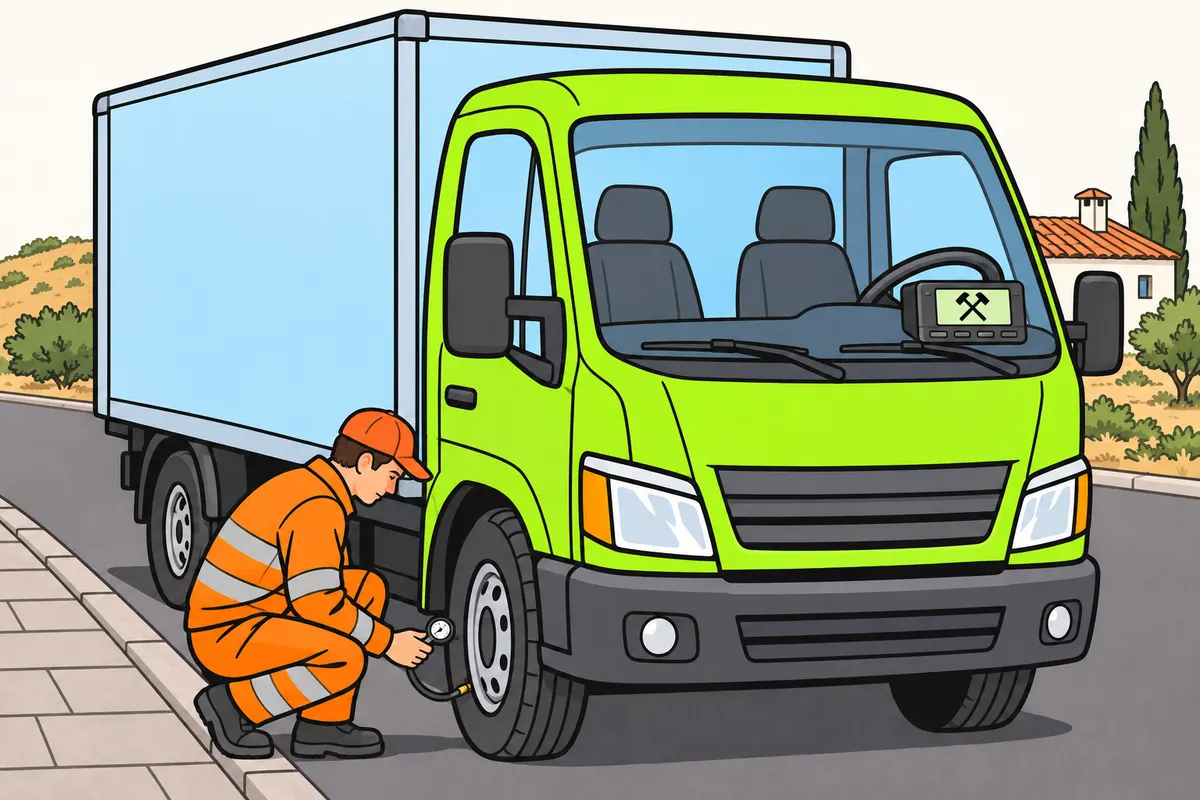
Record your driving and the work you do away from the wheel.
| Activity | Symbol | When to record it |
|---|---|---|
| Driving | Steering wheel | Automatically when you drive |
| Other work | Crossed hammers | When you work without driving |
Remember
- Check that your driving is recorded under your name.
- Select other work when you check the lorry or secure the load.
- Record work for another employer, even outside transport.
- Record commercial driving outside the applicable rules as other work.
Exam trap: Wrong: work before collecting the lorry counts as rest. Right: record it as work.
Read the full explanation
- The driving symbol is shaped like a steering wheel. The device automatically records driving when the vehicle moves. Time at the wheel must be attributed to the person actually driving. [Regulation 165/2014, art. 34.5 and Annex I, Part III](https://www.boe.es/buscar/doc.php?id=DOUE-L-2014-80362)
- The two crossed hammers represent “other work”. You must select this activity when you do work other than driving: for example, checking the lorry, securing the load or carrying out administrative tasks for the transport operation. Being stationary does not prove that you are resting; it may mean that you are working. [Regulation 165/2014, art. 34.5.b](https://www.boe.es/buscar/doc.php?id=DOUE-L-2014-80362)
- You must also record any work you do for another employer, even in a sector other than transport. If you carry out work tasks in the morning before collecting the lorry, you must account for that period as work using the appropriate entry, rather than automatically declaring it as rest. [Regulation 165/2014, arts. 34.3 and 34.5.b.ii](https://www.boe.es/buscar/doc.php?id=DOUE-L-2014-80362)
- If you drive a vehicle used for commercial operations outside the scope of Regulation 561/2006, you must record that time as other work when compiling your activity record. An operation excluded from the calculation of driving time under the rules does not thereby become free time at your disposal. [Regulation 561/2006, art. 6.5, as amended by 2020/1054, art. 1.4](https://www.boe.es/buscar/doc.php?id=DOUE-L-2020-81223)
7Availability, breaks and rest
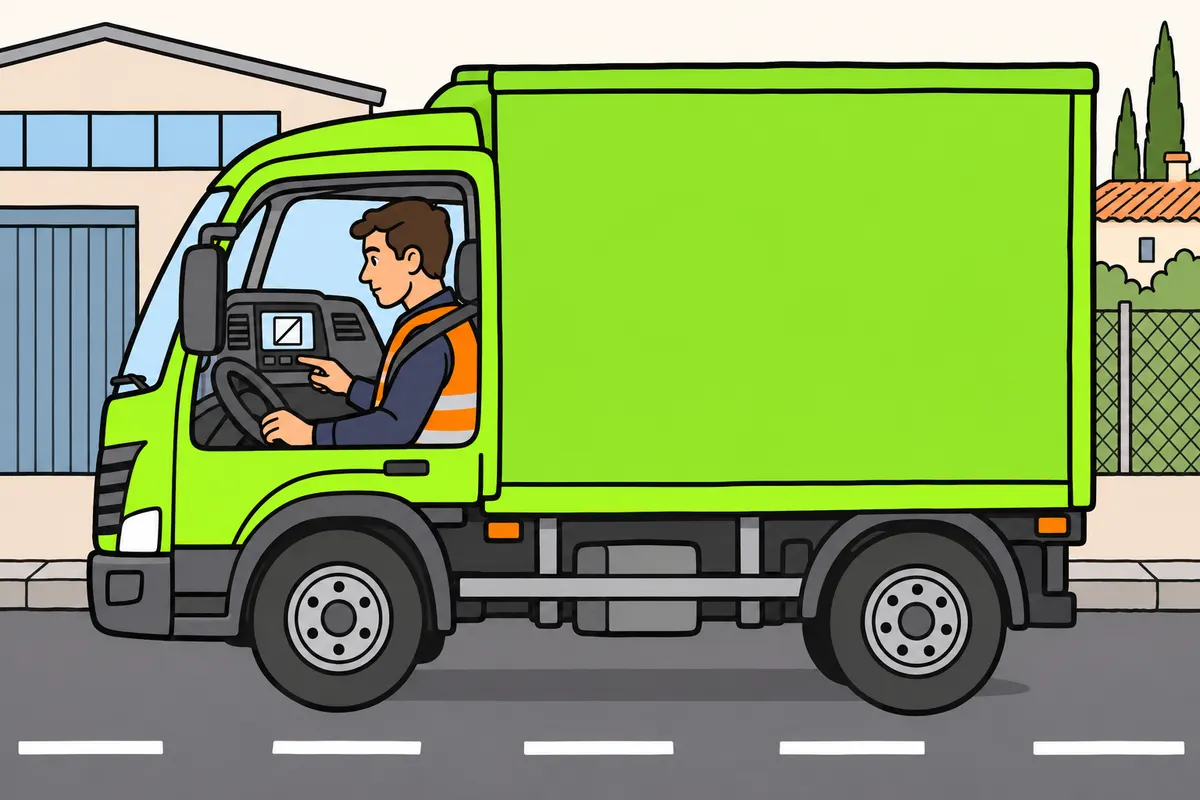
Select the activity you are actually doing when the lorry is stopped.
| Situation | Symbol | What you are doing |
|---|---|---|
| Availability | Square with a diagonal | Waiting, ready to resume work |
| Break or rest | Bed | Actually taking a break or rest |
Remember
- Check the mode after every stop and change of task.
- Record annual leave and sick leave with breaks and rest.
- On a qualifying ferry or train, add that condition to your rest record.
- Keep the rest symbol as well.
Exam trap: Wrong: every stop is rest. Right: record work, availability or rest to match what you are doing.
Read the full explanation
- The square with a diagonal line represents availability. It does not count as rest: it describes periods when you do no actual work but must be available to resume it. You must classify the actual situation, rather than select this mode simply because the lorry is stationary. [Regulation 165/2014, art. 34.5.b.iii](https://www.boe.es/buscar/doc.php?id=DOUE-L-2014-80362)
- The bed represents breaks and rest. You must use it when you are actually taking the relevant period; this recording category also includes annual leave and sick leave. [Regulation 165/2014, art. 34.5.b.iv, as amended by 2020/1054, art. 2.11](https://www.boe.es/buscar/doc.php?id=DOUE-L-2020-81223)
- If you take a rest period on board a ferry or train that meets the conditions of article 9 of Regulation 561/2006, you must also record the specific ferry/train condition. This indication supplements the rest activity: it does not remove the rest requirements or replace the bed symbol. [Regulation 165/2014, art. 34.5.b.v, added by 2020/1054, art. 2.11](https://www.boe.es/buscar/doc.php?id=DOUE-L-2020-81223)
- You must check the mode after every stop and change of task. A stationary lorry may involve loading, availability or rest, and the device does not know your actual duties; you must operate the selector to distinguish non-driving periods correctly. [Regulation 165/2014, art. 34.5](https://www.boe.es/buscar/doc.php?id=DOUE-L-2014-80362)
8Manual entries without gaps
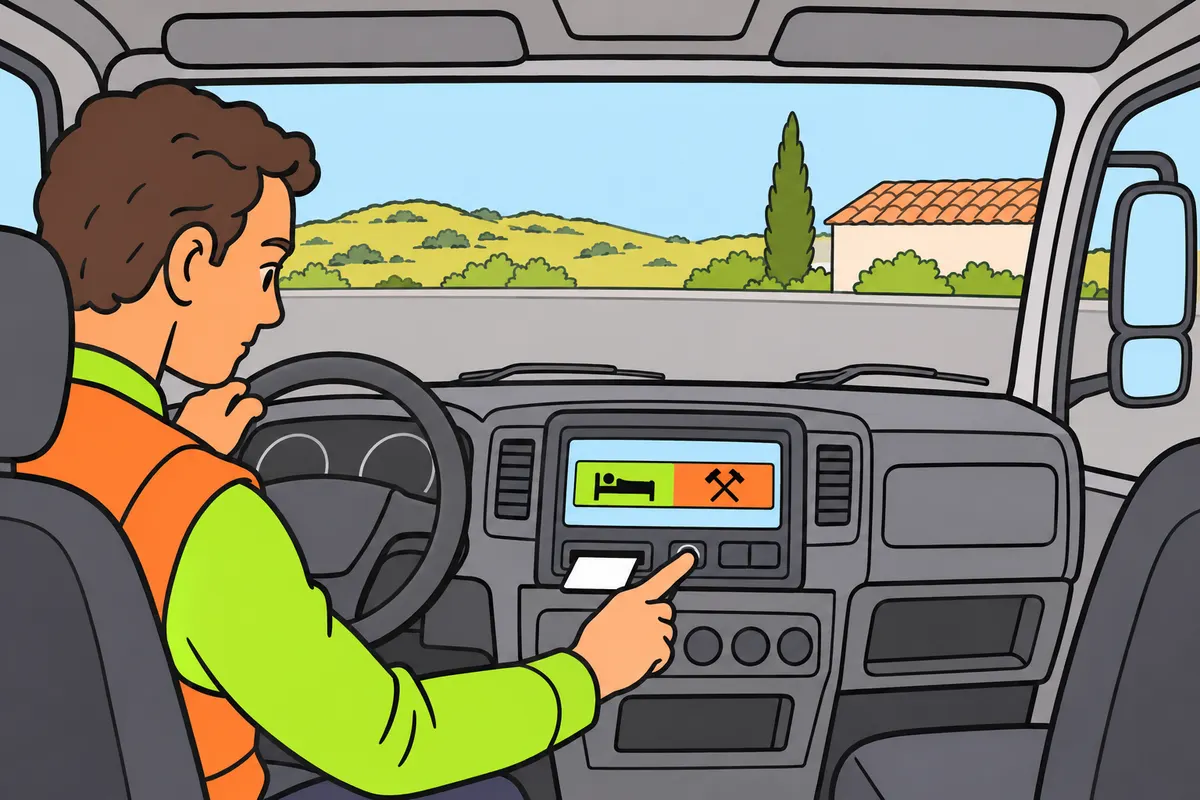
Complete periods away from the vehicle with entries for each real activity.
| Tachograph | How to record activity away from the vehicle |
|---|---|
| Digital | Manual entry on your card |
| Analogue | Legible note on the chart |
Remember
- Rebuild the period from when you removed your card.
- Separate periods of work, availability and rest.
- Check dates, times and activities before confirming.
- Check that no periods are left unrecorded.
Exam trap: Wrong: a general certificate or verbal explanation is enough. Right: make the required manual entries.
Read the full explanation
- When you are away from the vehicle and cannot use the tachograph, you must record periods of other work, availability and breaks or rest. With a digital tachograph, you must add them to your card using the manual entry function; with an analogue tachograph, you must enter them legibly on the record sheet, without soiling it or making it unreadable. [Regulation 165/2014, art. 34.3](https://www.boe.es/buscar/doc.php?id=DOUE-L-2014-80362)
- When you insert the card, you must reconstruct the relevant interval since its previous removal, distinguishing each actual activity. If you rest and then work before getting into the lorry, you must enter separate periods. [Regulation 165/2014, arts. 32.3 and 34.3](https://www.boe.es/buscar/doc.php?id=DOUE-L-2014-80362)
- Before confirming a manual entry, check dates, times, activities and continuity. [Regulation 165/2014, arts. 32 and 34](https://www.boe.es/buscar/doc.php?id=DOUE-L-2014-80362)
- Member States cannot require you to provide documents certifying activities carried out away from the vehicle. You must cover these periods using the records provided for in article 34.3; a verbal explanation or a general certificate does not replace the required manual entries. [Regulation 165/2014, art. 34.3](https://www.boe.es/buscar/doc.php?id=DOUE-L-2014-80362)
9Recording time and display time
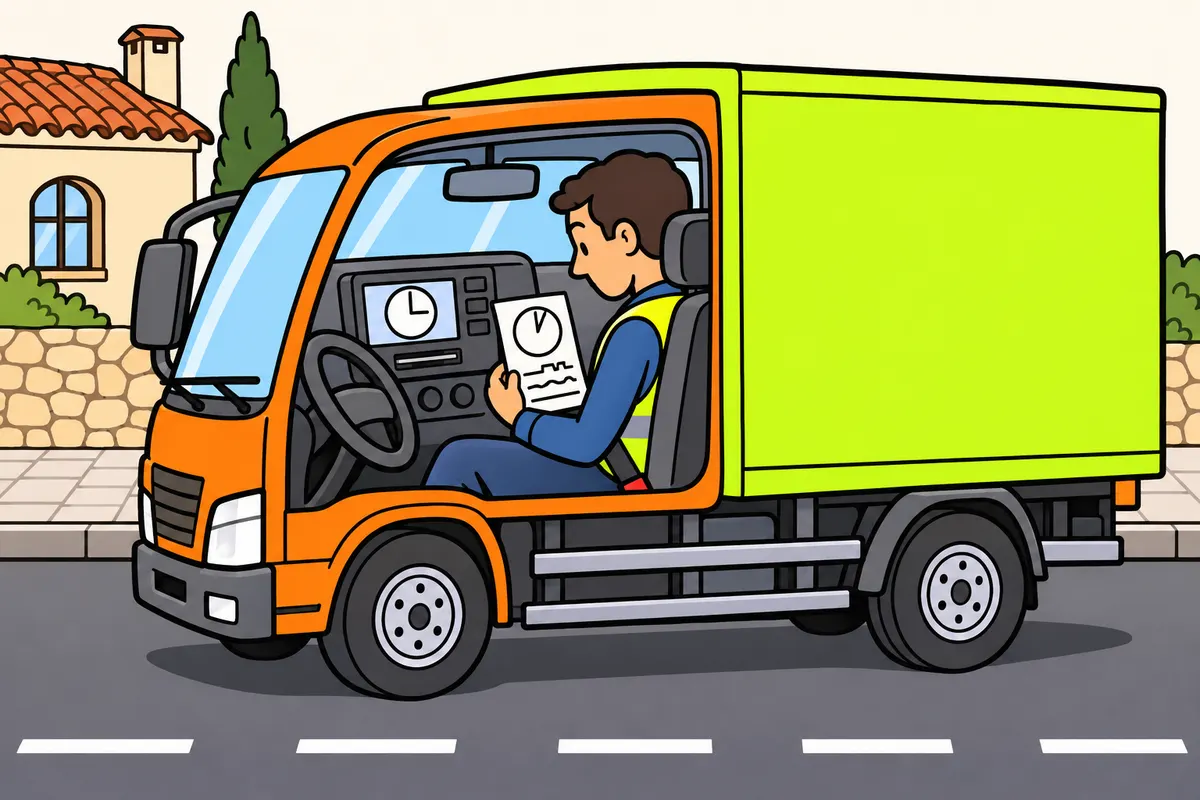
Check which time your unit uses before entering activities.
| Equipment or function | Time to recognise |
|---|---|
| Digital and smart: stored data and printouts | UTC, Coordinated Universal Time |
| Digital display | May show local time |
| Analogue chart | Official time in the country of registration |
Remember
- Distinguish display time from the time used to store data.
- On a smart unit, enter manual activities in the configured local time.
- Check the menu before converting times.
Exam trap: Wrong: always convert manual entries to UTC. Right: check the procedure; a smart unit uses its configured local time.
Read the full explanation
- In a digital tachograph, including a smart tachograph, internal data and printouts are dated using Coordinated Universal Time, UTC. You can display local time using the configured offset; you must distinguish the time you see on the screen from the time reference used to store and print the data. [Regulation 2016/799, Annex IC, point 3.3](https://www.boe.es/buscar/doc.php?id=DOUE-L-2016-80895) [Regulation 3821/85, Annex IB, Part III.3, introduced by Regulation 1360/2002](https://boe.es/buscar/doc.php?id=DOUE-L-2002-81422)
- Before entering activities manually, you must check which time the procedure on your device uses. In the smart system governed by Annex IC, manual entries use the local date and time of the configured zone: you must not routinely apply an additional conversion without checking the menu. [Regulation 2016/799, Annex IC, point 3.6.2](https://www.boe.es/buscar/doc.php?id=DOUE-L-2016-80895)
- With an analogue record sheet, you must align its time markings with the official time of the country where the vehicle is registered. You must position it correctly so that the trace is recorded at the appropriate time; even a correctly identified sheet can be incorrect if it is offset relative to the clock. [Regulation 165/2014, art. 34.5.a](https://www.boe.es/buscar/doc.php?id=DOUE-L-2014-80362)
10Starting your working day
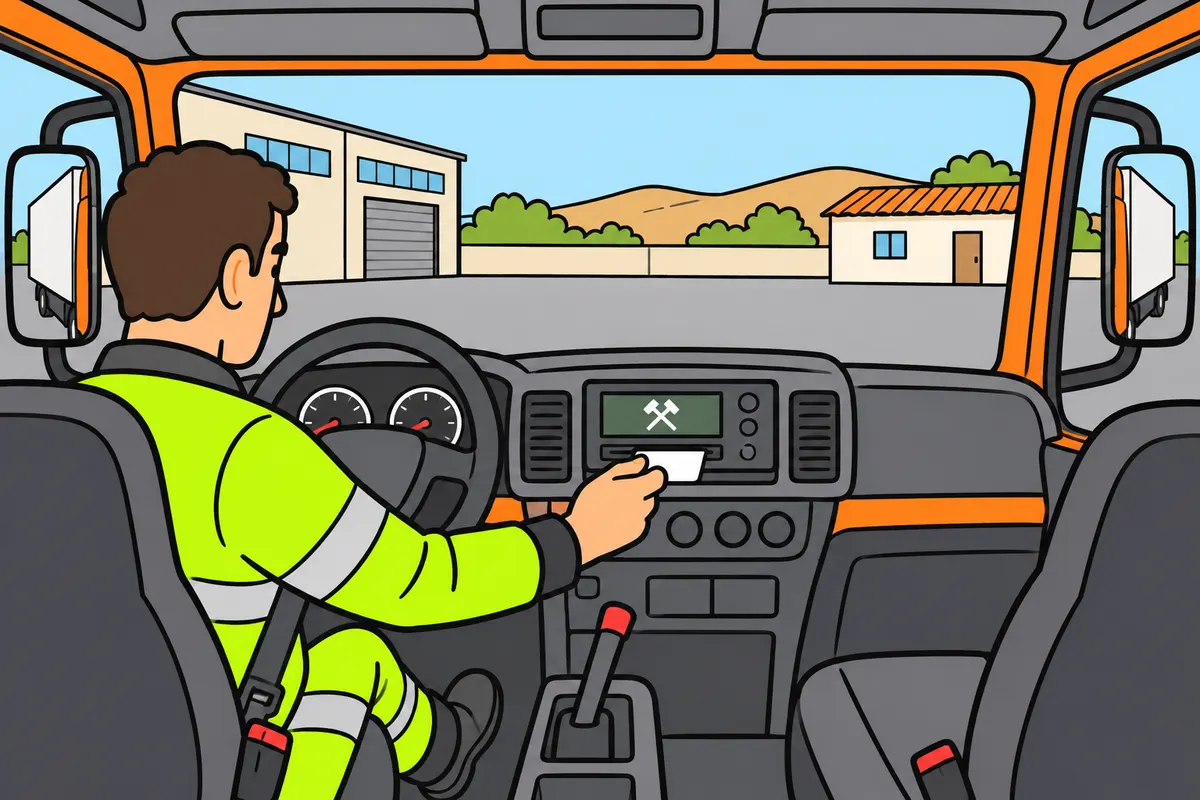
Prepare your card or chart and complete the record before moving the lorry.
| Equipment | What to prepare at the start |
|---|---|
| Digital | Card, missing entries and start details |
| Analogue | Compatible chart; your name, date, place, registration, starting mileage, country and time position |
Remember
- Use your card or chart from when you take charge of the vehicle.
- Check that the record identifies you as the driver.
- Complete pending activities and select what you are actually doing.
- Enter the starting country if it is not recorded automatically as required.
- Check and confirm the details requested by the unit.
Exam trap: Wrong: you can insert your card after setting off. Right: identify your driving before moving the lorry.
Read the full explanation
- You must use the card or record sheet every day you drive, from the moment you take charge of the vehicle. Before moving the lorry, check that the record identifies the person at the wheel; inserting the card after setting off leaves a period of driving without the required identification. [Regulation 165/2014, art. 34.1](https://www.boe.es/buscar/doc.php?id=DOUE-L-2014-80362)
- With a digital device, you must insert your card, respond to the prompts and complete any outstanding manual activity entries. You must then select the actual activity, such as other work during preliminary checks, and check the details for the start of the daily period requested by the tachograph. [Regulation 165/2014, art. 34](https://www.boe.es/buscar/doc.php?id=DOUE-L-2014-80362)
- You must enter the symbol of the country where your daily working period begins when this information is not recorded automatically in accordance with article 8. Do not confuse the capture of a GNSS position with completion of all the details requested by the device: check the start record and confirm the necessary entry. [Regulation 165/2014, art. 34.7, as amended by 2020/1054, art. 2.11](https://www.boe.es/buscar/doc.php?id=DOUE-L-2020-81223)
- With an analogue device, you must prepare the approved, compatible record sheet and enter your first name and surname, start date and place, vehicle registration number and initial odometer reading. You must also include the symbol of the starting country and check the time alignment of the disc before starting work. [Regulation 165/2014, art. 34.5-6](https://www.boe.es/buscar/doc.php?id=DOUE-L-2014-80362) [Regulation 2020/1054, art. 2.11.c](https://www.boe.es/buscar/doc.php?id=DOUE-L-2020-81223)
11Ending your working day and changing lorries
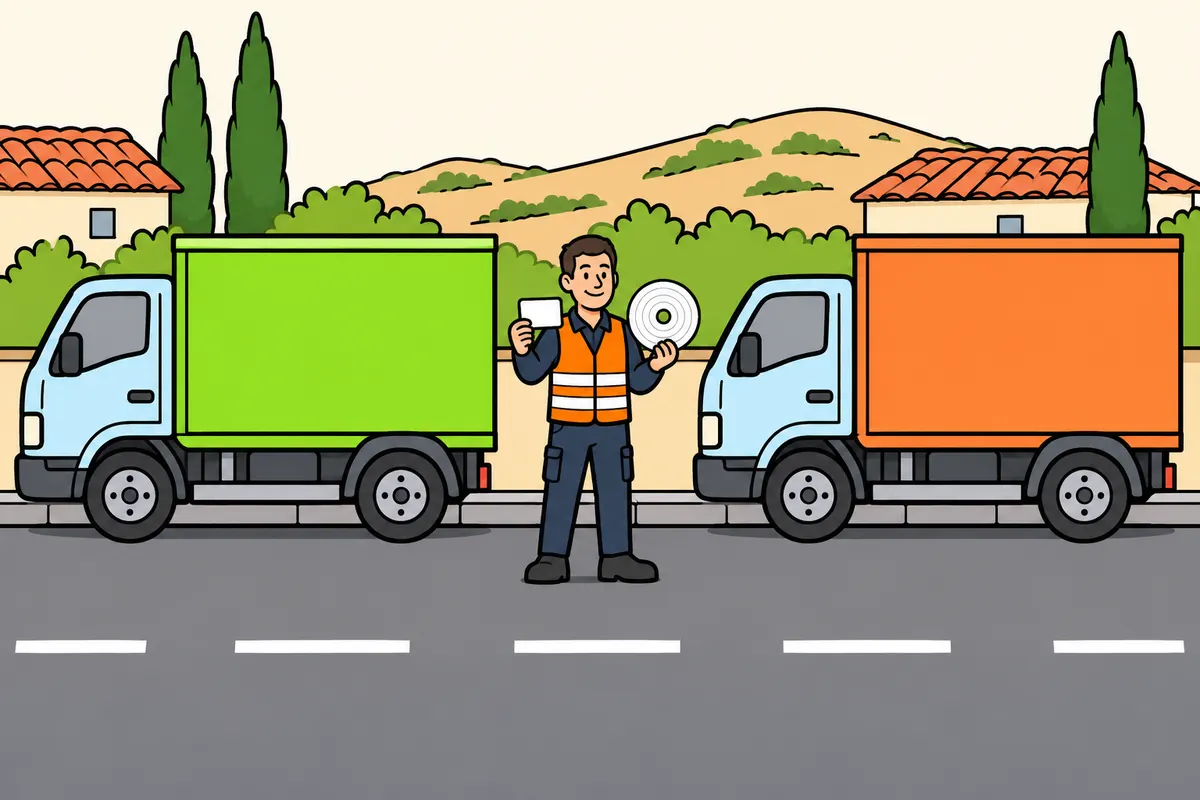
Close each vehicle record and keep your daily activities in order.
Remember
- Record work done after the final stop.
- Enter the finishing country when required.
- Keep your card or sheet with you when changing lorries.
- Close the previous lorry’s details and prepare those for the next.
- On a sheet, record final date, place, mileage and country.
- When changing lorries, add registration numbers, mileage readings and the changeover time.
Exam trap: Wrong: you can always remove your card before the day ends. Right: wait until the end unless removal is authorised or needed to record the country after a border.
Read the full explanation
- At the end of your daily working period, you must record the country where it ends when a manual entry is required. If you carry out work duties after the final stop of the lorry, you must include them in the record before closing the daily period. [Regulation 165/2014, art. 34, as amended by 2020/1054, art. 2.11](https://www.boe.es/buscar/doc.php?id=DOUE-L-2020-81223)
- You must not remove the card or record sheet before the end of the daily working period, unless removal is authorised or necessary to enter the country symbol after crossing a border. When you change vehicles, you must maintain continuity of the records and take the appropriate personal recording medium with you. [Regulation 165/2014, art. 34.1, as amended by 2020/1054, art. 2.11.a](https://www.boe.es/buscar/doc.php?id=DOUE-L-2020-81223)
- On the analogue record sheet, you must enter the end date and place, final odometer reading and country where you finish. If you change vehicles while using the sheet, you must add the registration number, odometer readings for the vehicles and time of the change, so that the entire work duty can be reconstructed. [Regulation 165/2014, art. 34.6](https://www.boe.es/buscar/doc.php?id=DOUE-L-2014-80362) [Regulation 2020/1054, art. 2.11.c](https://www.boe.es/buscar/doc.php?id=DOUE-L-2020-81223)
- When you change lorries, you must complete the details for the vehicle you leave and prepare those for the next one. If the change takes place within the same daily working period, maintain chronological continuity: the vehicle change is an event during your work and you must be able to reconstruct the route and activities for that day. [Regulation 165/2014, art. 36, amended by 2020/1054, art. 2.12](https://www.boe.es/buscar/doc.php?id=DOUE-L-2020-81223)
12How to record a border crossing
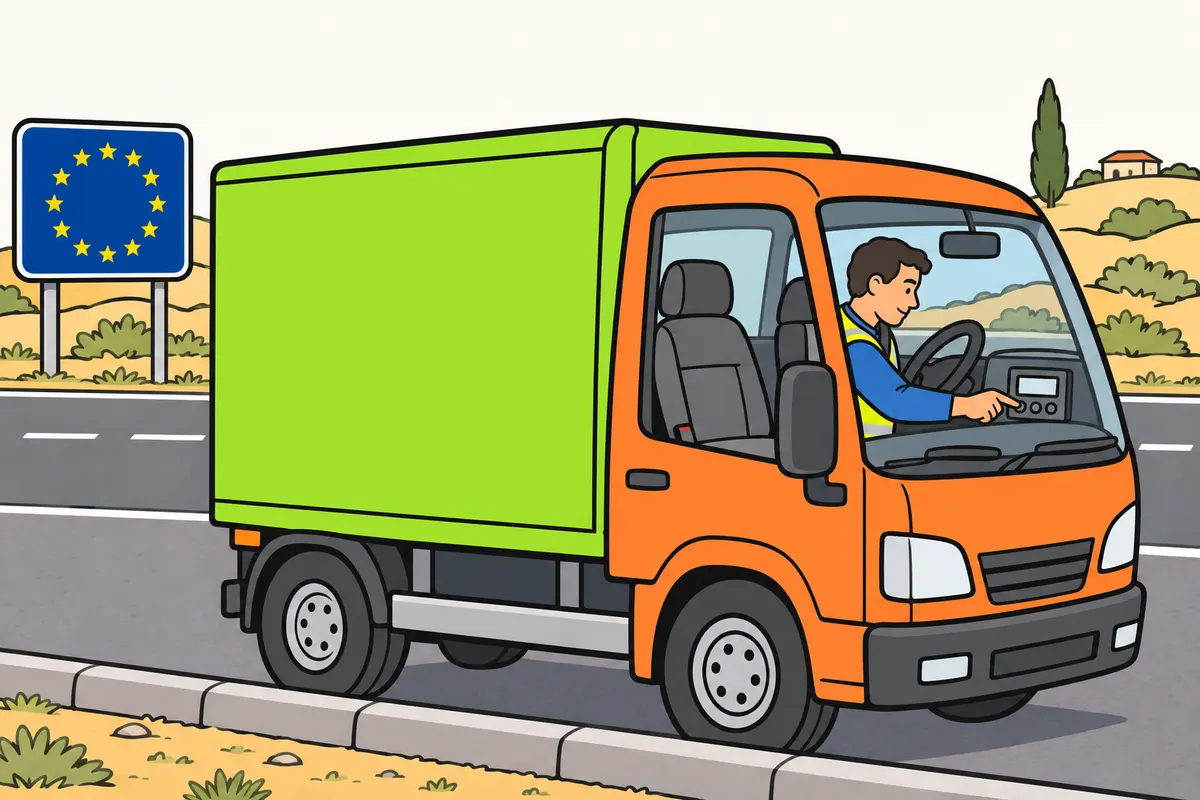
Enter the country you reach if the tachograph does not record the crossing automatically.
Remember
- After crossing a Member State border, check whether you need a manual entry.
- Enter it at the start of your first stop in the State you enter.
- Choose the nearest possible stopping place after crossing the border.
- After a ferry or train, enter it at the arrival port or station.
- A border crossing is separate from the start or end of your workday.
- Smart v2 records crossings automatically when recording meets the rules.
Exam trap: Wrong: a country menu proves you meet international equipment requirements. Right: if your lorry is registered in one Member State and operates in another, check the v2 requirement.
Read the full explanation
- When the tachograph does not record it automatically in accordance with the rules, you must enter the symbol of the country you enter after crossing the border of a Member State. You must do so at the beginning of your first stop in that State, at the nearest possible stopping place at or after the border. [Regulation 165/2014, art. 34.6.f and 34.7, as amended by 2020/1054, art. 2.11](https://www.boe.es/buscar/doc.php?id=DOUE-L-2020-81223)
- If you cross by ferry or train, you must make the country entry at the port or station of arrival. [Regulation 165/2014, art. 34, as amended by 2020/1054, art. 2.11](https://www.boe.es/buscar/doc.php?id=DOUE-L-2020-81223)
- Automatic border recording by the smart tachograph v2 allows you to document the crossing without entering the country manually when recording takes place in accordance with article 8. You must consult “Smart tachograph v2” for the equipment requirements for a lorry carrying out transport in another Member State. [Regulation 165/2014, arts. 8 and 34, as amended by 2020/1054, art. 2](https://www.boe.es/buscar/doc.php?id=DOUE-L-2020-81223)
- The country entered for a border crossing and the country where your working day starts or ends relate to different events. Entering another State does not in itself end your daily work, and recording the country when you start work does not document any crossings you make later during the journey. [Regulation 165/2014, art. 34, as amended by 2020/1054, art. 2.11](https://www.boe.es/buscar/doc.php?id=DOUE-L-2020-81223)
13Two drivers in the same lorry
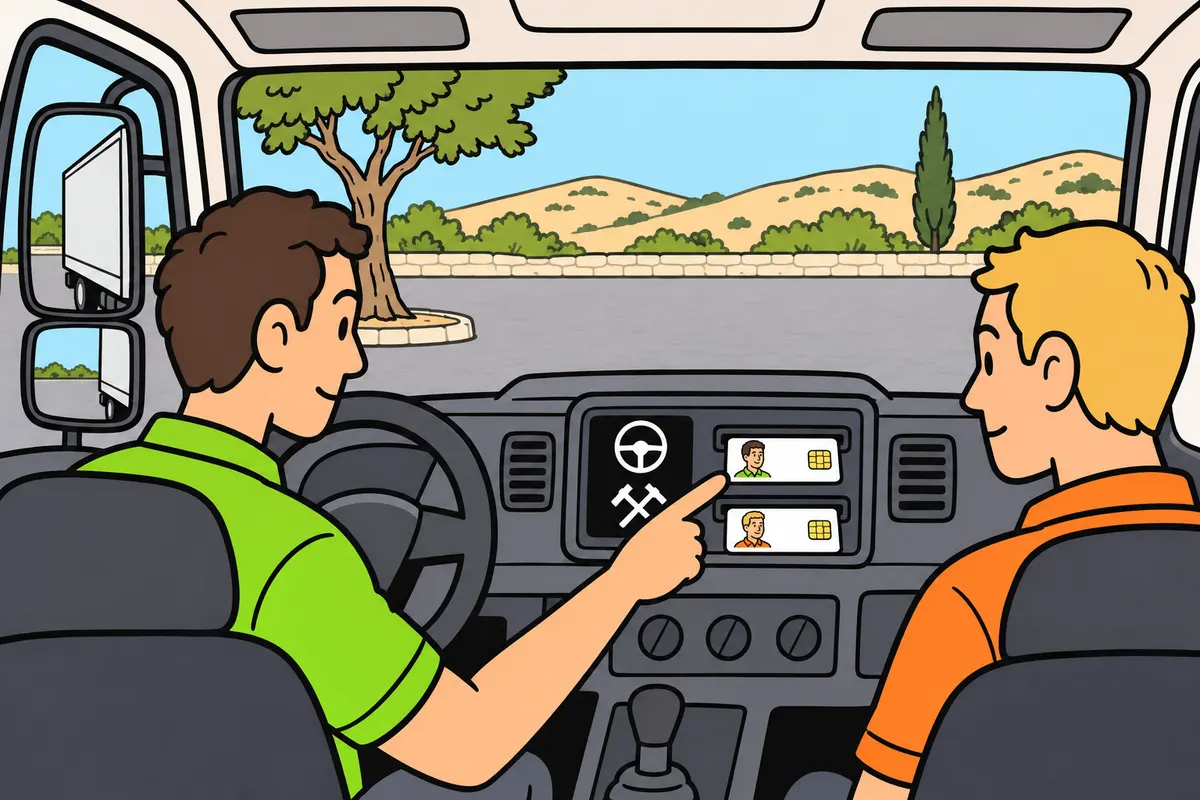
Put each driver's card in the correct slot and record each person's activity.
Remember
- Use your own card and keep your own record.
- The driver slot must identify the person at the wheel.
- Check card positions at every changeover.
- Select the right activity for each person.
- With an analogue unit, make sure the driver's sheet records the driving.
Exam trap: Wrong: inserting both cards in any slots is enough. Right: put the driver's card in the driver slot.
Read the full explanation
- If you are one of two drivers, you must put your card in the slot corresponding to your role and check it at each changeover. The driver's slot must identify the person actually at the wheel; having both cards inserted is not enough if they are in the wrong slots. [Regulation 165/2014, art. 34.4](https://www.boe.es/buscar/doc.php?id=DOUE-L-2014-80362)
- You must record each person's activity separately. Sharing a cab does not mean sharing times or using a single card: each driver retains their own identity and history, even if you both take turns driving the same lorry throughout the working day. [Regulation 165/2014, art. 34.4 and Annex I, Part II](https://www.boe.es/buscar/doc.php?id=DOUE-L-2014-80362)
- With an analogue tachograph, you must make the necessary changes so that driving is recorded on the record sheet of the person at the wheel. With a digital tachograph, you must swap the cards between slots as required by the equipment; at each changeover, also check the activity selected for each person. [Regulation 165/2014, art. 34.4-5](https://www.boe.es/buscar/doc.php?id=DOUE-L-2014-80362)
14Legible chart discs
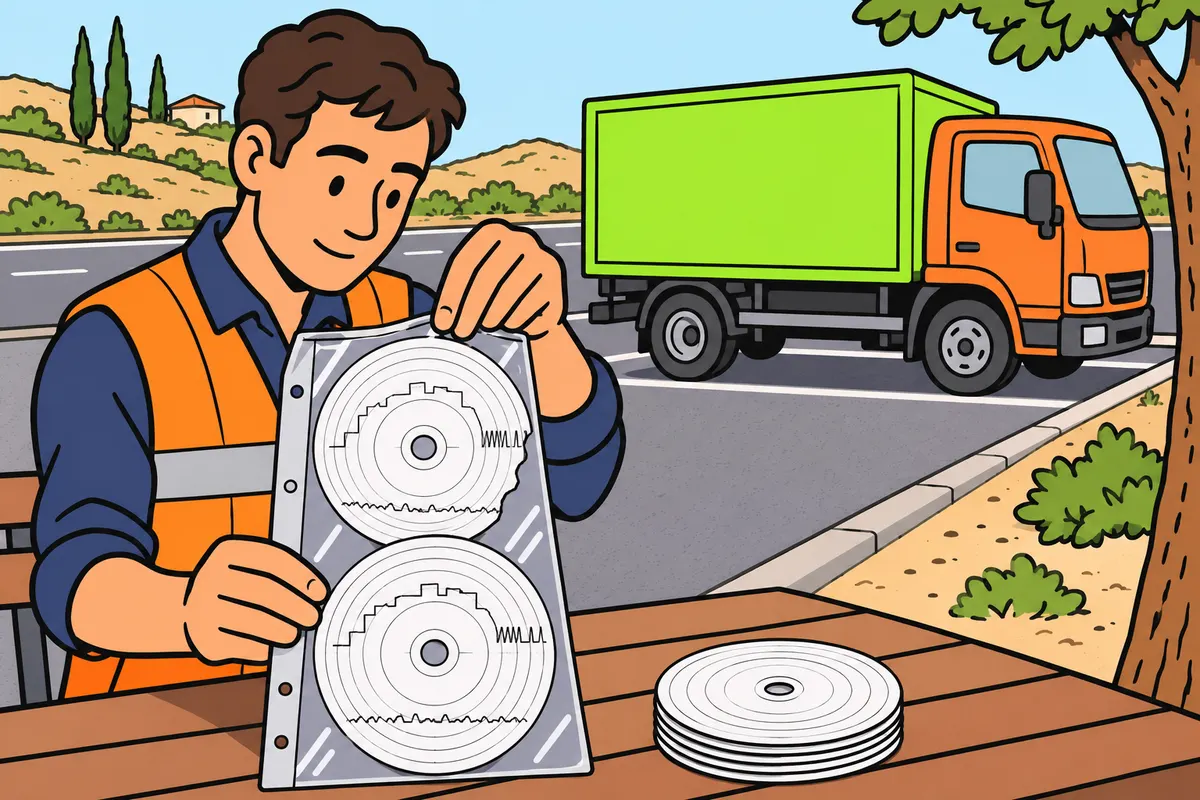
Use enough approved sheets that fit your tachograph and keep records readable.
Remember
- Use sheets approved for the installed model.
- Carry enough sheets and replacements for your operation.
- Do not use a sheet beyond its capacity.
- Keep a damaged sheet with its replacement.
Exam trap: Wrong: any sheet that fits is suitable. Right: use a sheet approved for your model.
Read the full explanation
- You must use record sheets approved for the model installed and carry enough for the duration of the service and to replace sheets that are damaged or retained during a check. You must be able to identify speed, distance and activities clearly; choosing any disc that physically fits does not guarantee compatibility. [Regulation 165/2014, art. 33.1 and Annex I, Part IV](https://www.boe.es/buscar/doc.php?id=DOUE-L-2014-80362)
- You must not use a record sheet for longer than its intended capacity. The minimum capacity required by the regulations is twenty-four hours; you must avoid incorrect use that causes traces to overlap and makes it impossible to distinguish the activity in each period. [Regulation 165/2014, art. 34.1 and Annex I, Part IV](https://www.boe.es/buscar/doc.php?id=DOUE-L-2014-80362)
- If you damage a record sheet containing records, you must keep it together with the spare sheet used to replace it; keeping both sheets allows the activity before and after the incident to be linked. [Regulation 165/2014, art. 35.1](https://www.boe.es/buscar/doc.php?id=DOUE-L-2014-80362)
15Printouts and sufficient paper
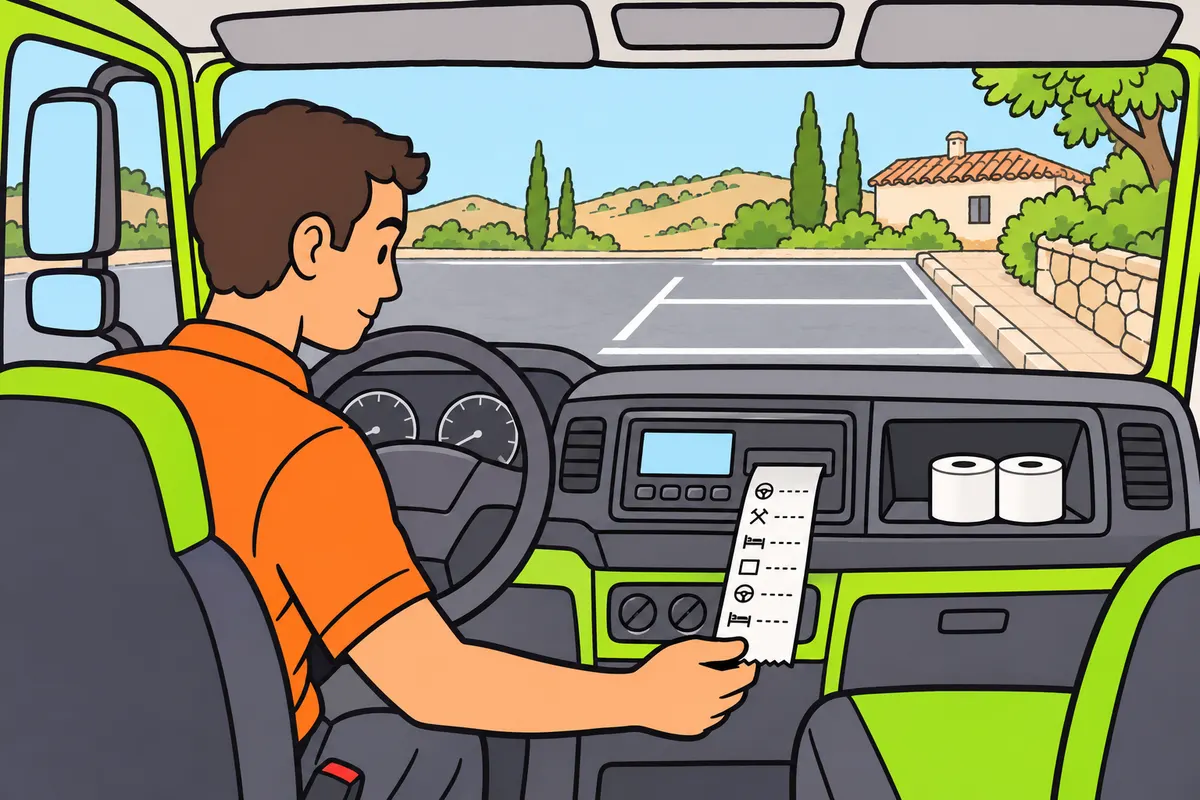
Carry suitable paper and check that you can print readable records.
| Operation | What you get |
|---|---|
| Printout | Readable paper document |
| Download | Electronic copy with digital signature |
Remember
- Check the printer and carry enough paper for the work.
- You must be able to print when an authorised officer asks.
- Keep required printouts readable.
- If your card is unusable, follow the full printout procedure at both ends.
Exam trap: Wrong: a printout proves the company downloaded the data. Right: printing and downloading are different actions.
Read the full explanation
- You must be able to print the data correctly when an authorised enforcement officer requests it. You and the company must ensure this is possible, taking the duration of the service into account; check that the printer works and that you carry enough suitable paper for the required printouts. [Regulation 165/2014, art. 33.1](https://www.boe.es/buscar/doc.php?id=DOUE-L-2014-80362)
- Printing activities produces a legible paper document; downloading copies electronic data with its digital signature. Having a printout does not in itself prove that the company has downloaded and archived the required files. [Order FOM/1190/2005, arts. 22-24](https://www.boe.es/buscar/act.php?id=BOE-A-2005-7137)
- You can use a printout to examine activity data, identify an incident or comply with a check. When it must serve as a replacement record because your card is unusable, you must prepare it by following the full procedure in “How to document a journey without a card”, which requires action at the start and end of the journey. [Regulation 165/2014, art. 35.2](https://www.boe.es/buscar/doc.php?id=DOUE-L-2014-80362)
- You must keep the required printouts so that they remain legible and can be produced during a check. [Regulation 165/2014, art. 33.2](https://www.boe.es/buscar/doc.php?id=DOUE-L-2014-80362) [Regulation 165/2014, art. 36, amended by 2020/1054, art. 2.12](https://www.boe.es/buscar/doc.php?id=DOUE-L-2020-81223)
16Records you must produce
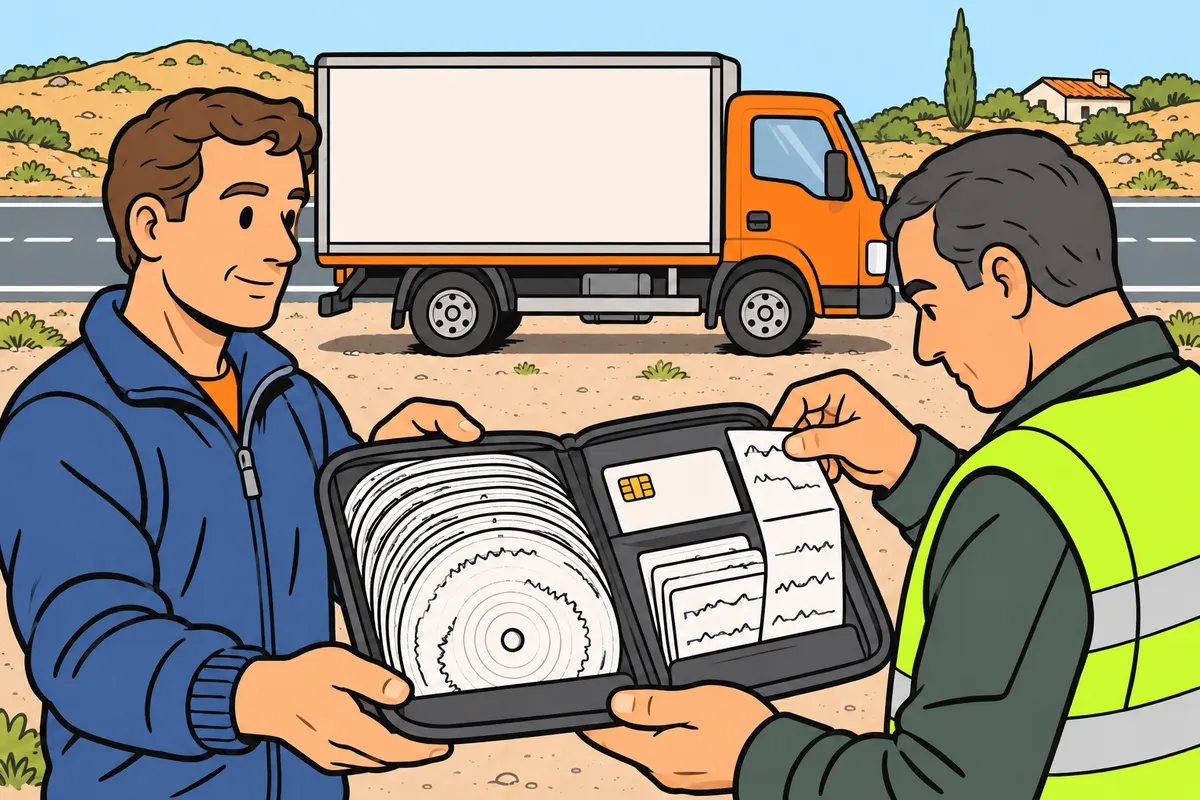
Carry the records needed to show your activity throughout the checking period.
| Tachograph used | Records required for the period |
|---|---|
| Analogue | Charts, card if you have one, required manual records and printouts |
| Digital | Card, manual records, required printouts and charts from analogue days |
Remember
- Produce records for the current day too.
- Keep records even if you worked with another lorry or company.
- Provide access to the required data and records.
- Your explanation from memory cannot replace required records.
Exam trap: Wrong: you must download your card every 56 days. Right: that is the record checking period, not the download interval.
Read the full explanation
- You must be able to produce records for the current day and the previous fifty-six days. This is the period of your activity covered by a check: it does not mean that you must download your card every fifty-six days or that you can delete the company's data at the end of that period. [Regulation 165/2014, art. 36, as worded by 2020/1054, art. 2.12](https://www.boe.es/buscar/doc.php?id=DOUE-L-2020-81223)
- If you drive with an analogue tachograph, you must be able to produce the relevant record sheets, your driver card if you hold one, and the required manual records or printouts for the period. You must keep the documentation of your activity even if some of it takes place in another lorry or for another company. [Regulation 165/2014, art. 36, amended by 2020/1054, art. 2.12](https://www.boe.es/buscar/doc.php?id=DOUE-L-2020-81223)
- If you drive with a digital tachograph, you must produce your card, the required manual records and printouts, and the record sheets for any days within that same period when you use an analogue tachograph. [Regulation 165/2014, art. 36, amended by 2020/1054, art. 2.12](https://www.boe.es/buscar/doc.php?id=DOUE-L-2020-81223)
- You must facilitate checks of displayed, printed or transferred data and the corresponding recording media. Enforcement officers can cross-check vehicle records, card records and supporting documents; an explanation from memory cannot replace the mandatory records that must be available. [Regulation 165/2014, art. 36.3](https://www.boe.es/buscar/doc.php?id=DOUE-L-2014-80362)
17Downloading and retaining data
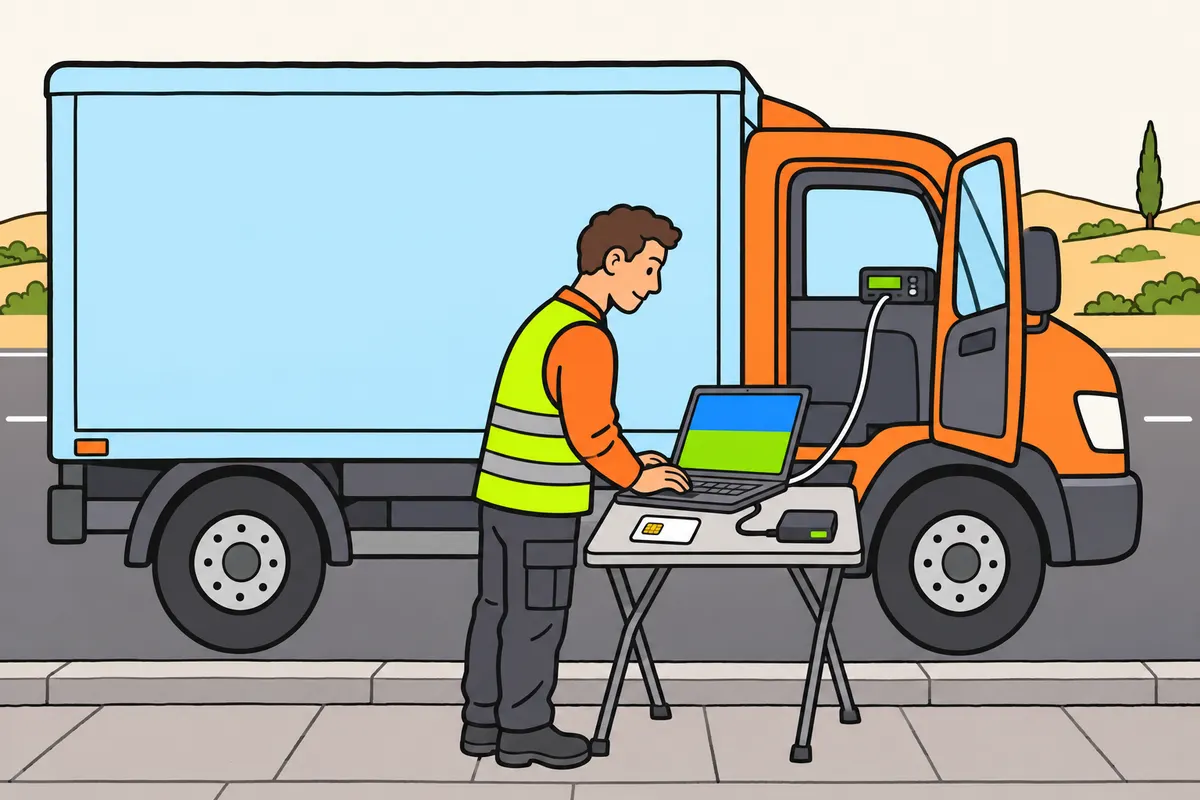
Organise downloads and keep data for the required periods.
| Record medium | Download by | Company keeps at least |
|---|---|---|
| Card | 28 days with activity | Digital data: 365 days from recording |
| Vehicle unit | 90 days with activity | Digital data: 365 days from recording |
| Required charts and printouts | No electronic download | One year |
Remember
- For download intervals, count only days with recorded activity.
- Download when a special duty applies, even if the interval has not ended.
- Make your card available for download when you leave the company.
- Keep charts and printouts readable and in date order.
- You can ask for copies of your records and downloaded data.
Exam trap: Wrong: you can always wait for the regular interval. Right: download earlier when a special duty requires it, such as handing over or returning the vehicle.
Read the full explanation
- You must transfer the relevant data at least every ninety days from the vehicle unit and every twenty-eight days from the driver card. To calculate these intervals, you count days with recorded activity. You must organise downloads so that all data is retained in full. [Regulation 581/2010, art. 1.3-4 and recital 3](https://www.boe.es/doue/2010/168/L00016-00016.pdf)
- Spanish regulations also require the unit to be downloaded before the vehicle is transferred or made available to another party, before it is returned to the lessor, in the event of a fault if the data can still be recovered, and when required by the authorities. You must download whenever one of these circumstances requires it, even if the regular interval has not yet expired. [Order FOM/1190/2005, art. 24](https://www.boe.es/buscar/act.php?id=BOE-A-2005-7137)
- You must make your card available for downloading when you leave the company, when required by the authorities, when it expires and before returning it to the issuing body where applicable. [Order FOM/1190/2005, art. 24](https://www.boe.es/buscar/act.php?id=BOE-A-2005-7137)
- The company must retain digital data for at least 365 days from the date it is recorded, without prejudice to other employment obligations. It must keep record sheets and printouts made under article 35 in chronological order and in a legible form for at least one year after use; you can request copies of your records and of the data transferred from your card. [Order FOM/1190/2005, art. 23](https://www.boe.es/buscar/act.php?id=BOE-A-2005-7137) [Regulation 165/2014, art. 33.2](https://www.boe.es/buscar/doc.php?id=DOUE-L-2014-80362)
18Loss, theft or failure of your card
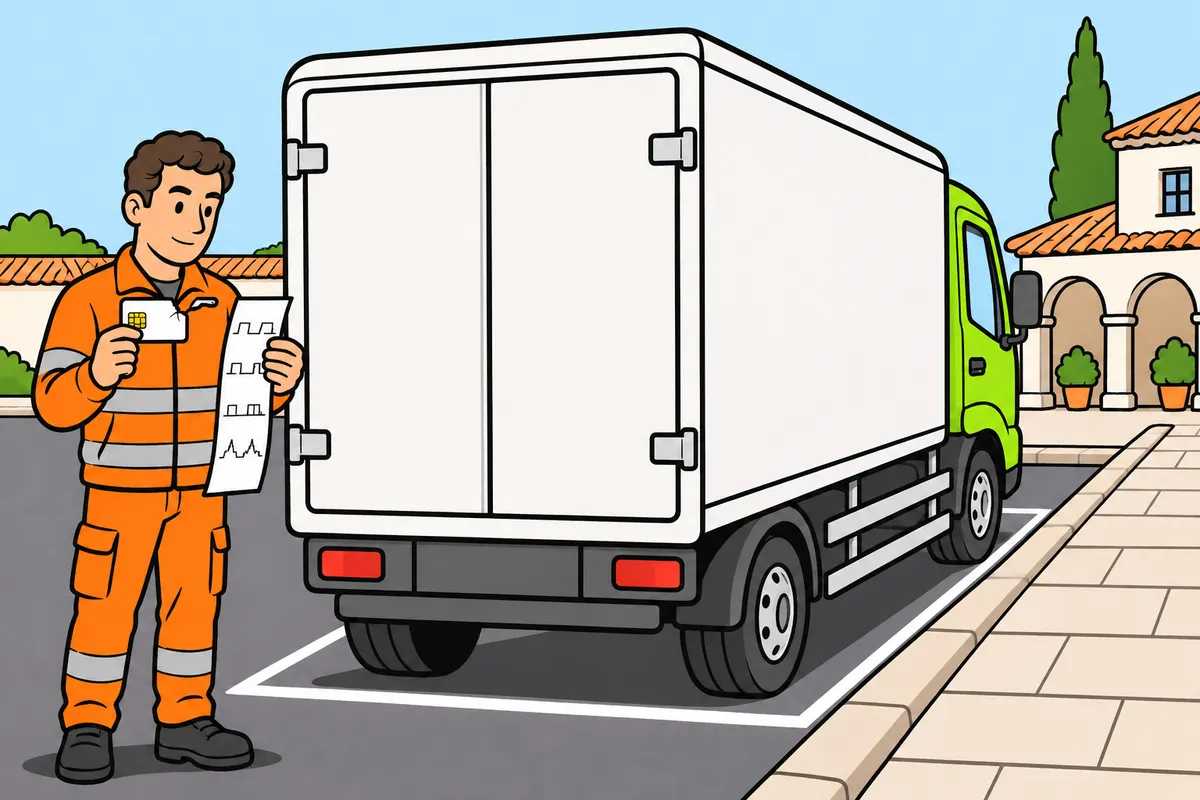
Apply for a replacement and follow the printout procedure if your card is unusable.
| Incident | What you must do |
|---|---|
| Theft | Report it in the State where it happened |
| Loss | Tell the issuing State and your residence State if different |
| Damage or fault | Return it to the authority where you normally live |
Remember
- Apply for a replacement where you normally live.
- Explain why you cannot use or show the card.
- Follow the printout procedure while driving without it.
- Go beyond fifteen days only to return the lorry to its premises.
Exam trap: Wrong: you may drive without a card if you forgot it or it expired. Right: the exception requires justified loss, theft, damage or malfunction and the printout procedure.
Read the full explanation
- If your card is stolen, you must formally report the theft in the State where it occurs. If you lose it, you must notify the authority of the issuing State and the authority of your State of normal residence if they are different; if it is damaged or malfunctions, you must return it to the competent authority in your place of normal residence. [Regulation 165/2014, art. 29.2-3](https://www.boe.es/buscar/doc.php?id=DOUE-L-2014-80362)
- You must apply for a replacement within seven calendar days in your State of normal residence. The authority must supply a replacement within eight working days of receiving the detailed application; distinguish your deadline for applying from the authority's deadline for supplying it. [Regulation 165/2014, art. 29.4](https://www.boe.es/buscar/doc.php?id=DOUE-L-2014-80362)
- In these circumstances, you can continue without a card for a maximum of fifteen calendar days, or longer if necessary to return the vehicle to its premises, provided you can justify why you cannot produce or use the card. You must also follow the printout procedure. [Regulation 165/2014, arts. 29.5 and 35.2](https://www.boe.es/buscar/doc.php?id=DOUE-L-2014-80362)
- You cannot use this exception because you leave your card at home, fail to apply for one or let it expire. You must distinguish between a voluntarily missing card, expiry, and documented loss or malfunction: only the specified circumstances allow you to use the exceptional procedure under article 29. [Regulation 165/2014, arts. 27 and 29](https://www.boe.es/buscar/doc.php?id=DOUE-L-2014-80362)
19How to document a journey without a card
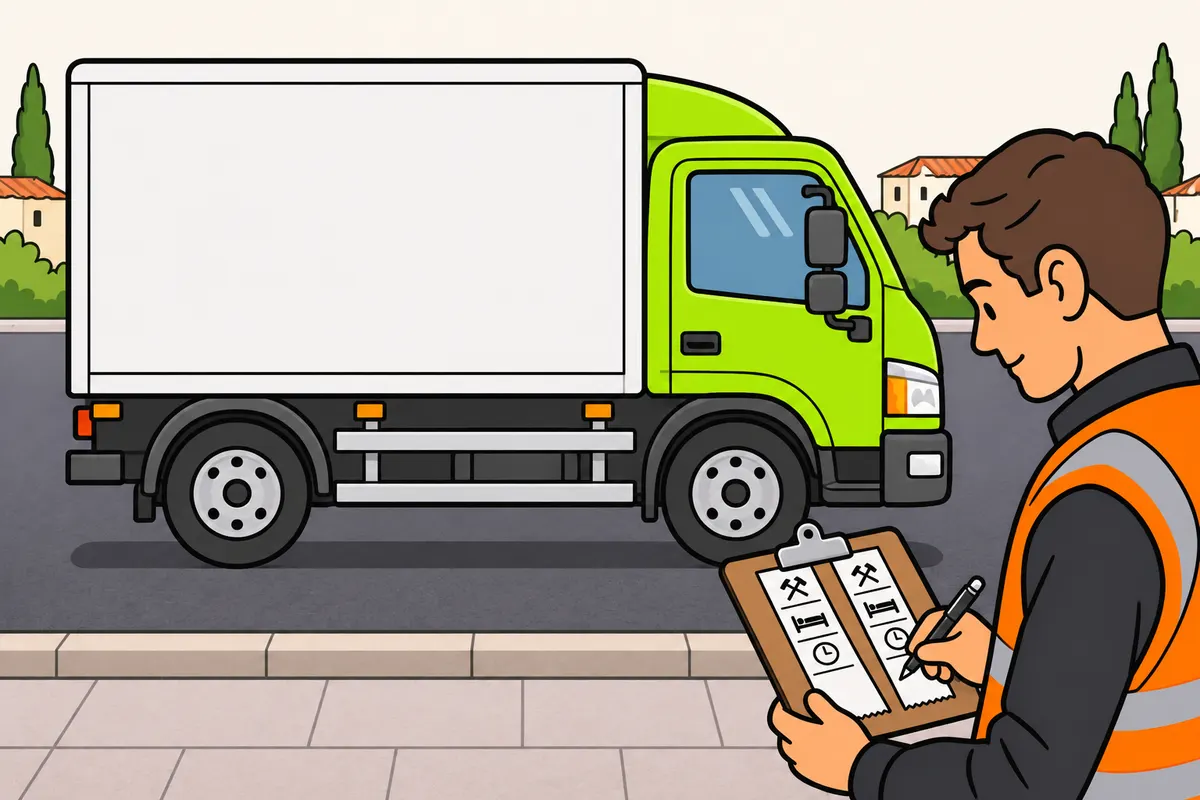
If your card is lost, stolen or faulty, print at the start and end.
| Journey without a card because of loss, theft, damage or malfunction: when | What to do |
|---|---|
| Start | Print vehicle data; add relevant work, availability and rest periods. |
| End | Print recorded periods; add missing work, availability and rest since the first printout. |
Remember
- Use this procedure for a lost, stolen, damaged or faulty card.
- Write your name, card or licence number, and sign.
- Identify yourself and sign again.
- Keep the printouts, explain the problem and follow the service limits.
Exam trap: Wrong: one printout at the end is enough. Right: in these cases, print and complete the data at both the start and end.
Read the full explanation
- If your card is lost, stolen, damaged or faulty, follow the procedure in the table. On both printouts, you must add your first name and surname, driver card number or driving licence number, and signature. [Regulation 165/2014, art. 35.2](https://www.boe.es/buscar/doc.php?id=DOUE-L-2014-80362) | When | What you must print and complete | | --- | --- | | Start of the journey | Print the vehicle details and add the relevant periods of other work, availability and rest. | | End of the journey | Print the periods recorded by the tachograph and add any periods of other work, availability and rest missing since the initial printout. |
- You must keep these printouts for checks covering the required period and provide justification for the incident that prevents you from using the card. You must continue recording all your activities and complying with the limits applicable to your work: driving without a card in exceptional circumstances does not exempt you from the obligations on time limits or documentary checks. [Regulation 165/2014, arts. 29, 35 and 36](https://www.boe.es/buscar/doc.php?id=DOUE-L-2014-80362) [Regulation 2020/1054, art. 2.12](https://www.boe.es/buscar/doc.php?id=DOUE-L-2020-81223)
20Tachograph malfunction
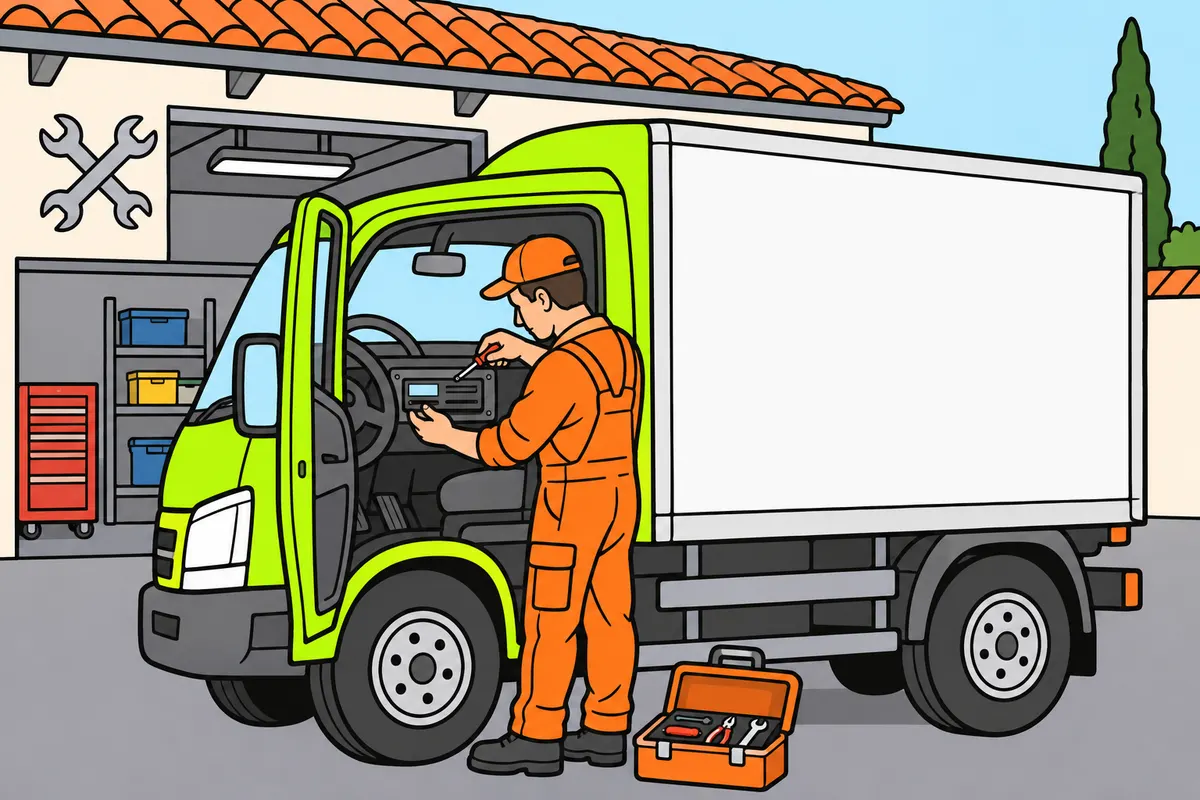
Report a fault and record by hand any periods the tachograph misses.
Remember
- Tell the company so it can arrange authorised repair as soon as possible.
- If the lorry cannot return within one week, repair it during the journey.
- Count from the fault or when you found it.
- Write your identity, card or licence number and signature.
- Record missing periods and keep the temporary records.
- Provide these records during checks.
Exam trap: Wrong: you can wait one week before arranging repair. Right: repair as soon as circumstances permit; repair during the journey if you cannot return within one week.
Read the full explanation
- If the tachograph breaks down or malfunctions, you must report the incident so that the company arranges for an approved fitter or workshop to repair it as soon as circumstances permit. [Regulation 165/2014, art. 37.1](https://www.boe.es/buscar/doc.php?id=DOUE-L-2014-80362)
- If your lorry cannot return to the company's premises within one week of the breakdown or the discovery of the fault, the repair must take place during the journey. [Regulation 165/2014, art. 37.1](https://www.boe.es/buscar/doc.php?id=DOUE-L-2014-80362)
- While times are not being recorded or printed correctly, you must enter your identification details, card or driving licence number and signature, and all missing periods. You must do this on the record sheet or sheets, or on a temporary sheet that you keep with the card or the relevant record sheets. [Regulation 165/2014, art. 37.2](https://www.boe.es/buscar/doc.php?id=DOUE-L-2014-80362)
- The authorities may prohibit use of the vehicle if the company fails to meet the requirements for repairing the tachograph. During an inspection, you must provide the temporary records documenting your work during the breakdown and the information needed to check how the fault is being resolved. [Regulation 165/2014, arts. 33, 35 and 37](https://www.boe.es/buscar/doc.php?id=DOUE-L-2014-80362)
21Inspections, seals and coefficients
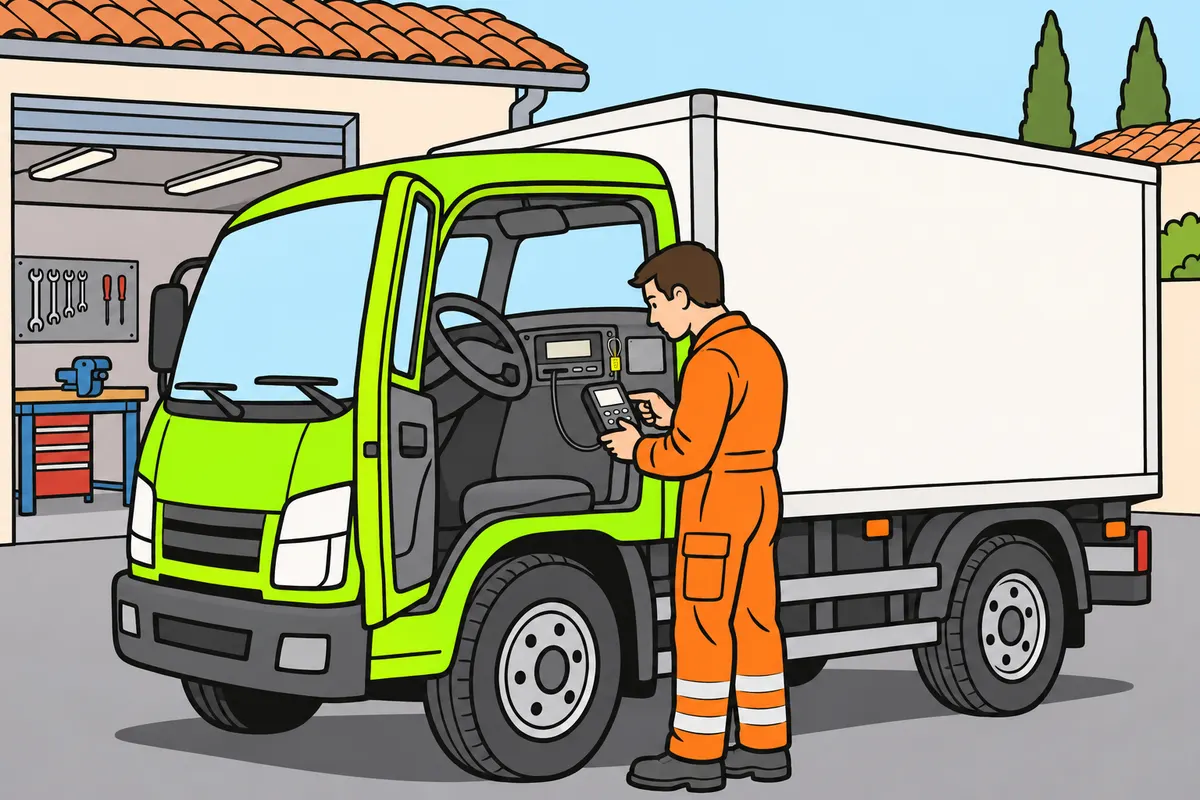
Check your tachograph’s condition and follow its inspection and sealing requirements.
| Letter | Meaning |
|---|---|
| K | Equipment constant: required input signal |
| W | Vehicle coefficient: output signal over distance |
| L or l | Effective circumference of driven tyres, in millimetres |
Remember
- Check approval, operation, installation plate and seals.
- Use an authorised workshop for the inspection.
- Changes to settings may require checks before the next regular inspection.
- Keep inspections up to date if your compulsory limiter uses the tachograph’s signal.
- This also applies when your transport is exempt.
- Keep the declaration stating date, time and reason when seals are removed for repairs.
Exam trap: Wrong: you can replace any broken seal yourself. Right: an authorised installer or workshop replaces it; after a check, an officer with sealing equipment and a special mark may also do so.
Read the full explanation
- You must check that the tachograph is type-approved, works correctly and retains its installation plaque and seals. You must have it inspected by an approved workshop at least once every two years. [Regulation 165/2014, arts. 22 and 23](https://www.boe.es/buscar/doc.php?id=DOUE-L-2014-80362)
- K is the instrument constant and W is the vehicle's characteristic coefficient. You may find these quantities expressed in revolutions per kilometre or impulses per kilometre. K expresses the input signal the tachograph needs to indicate and record one kilometre; W expresses the output signal the vehicle provides when travelling one kilometre under test conditions. [Regulation 165/2014, Annex I, Part I](https://www.boe.es/buscar/doc.php?id=DOUE-L-2014-80362)
- You must associate L or l with the effective circumference of the tyres on the driving wheels, expressed in millimetres. It relates one wheel revolution to the distance travelled and is one of the parameters checked during installation and calibration. [Regulation 165/2014, Annex I, Parts I and V](https://www.boe.es/buscar/doc.php?id=DOUE-L-2014-80362)
- The signal the instrument receives may consist of mechanical revolutions or electrical impulses, depending on the system installed. In smart systems, the calibration parameters include W, K, L and tyre size; a change to these parameters may require a check before the next periodic inspection is due. [Regulation 165/2014, Annex I, Part I](https://www.boe.es/buscar/doc.php?id=DOUE-L-2014-80362) [Regulation 2016/799, Annex IC, definition f and requirement 409](https://www.boe.es/buscar/doc.php?id=DOUE-L-2016-80895)
- Even if your transport operation is exempt, you must keep the tachograph installed and have it inspected periodically if the vehicle must have a speed limiter and the limiter receives its signal from the tachograph. The exemption affects the recording of the operation, but you must maintain the technical functions the limiter needs to receive a correct signal. [RD 640/2007 (Royal Decree 640/2007), art. 3](https://www.boe.es/buscar/act.php?id=BOE-A-2007-10557).
- If seals are removed or broken, they must be replaced without undue delay and no later than seven days afterwards. An approved fitter or workshop must replace them; if they are removed for a check, an officer with sealing equipment and a special mark may also replace them. When seals are removed for a vehicle repair or modification, you must keep the written statement on board, showing the date, time and reason. Before resealing, the workshop checks and calibrates the instrument, except when an officer replaces the seals after a check. [Regulation 165/2014, art. 22.5](https://www.boe.es/buscar/doc.php?id=DOUE-L-2014-80362) [Regulation 2020/1054, art. 2.9](https://www.boe.es/buscar/doc.php?id=DOUE-L-2020-81223)
22Prohibitions and responsibility
Do not alter tachograph records and cooperate with checks.
Remember
- Do not falsify, hide, erase or destroy records.
- Do not tamper with the unit or fit a device that alters data.
- Stop using a card replaced by a later duplicate.
- Your company must give you training and instructions.
- Your company must check correct use and avoid incentives to break the rules.
- Help with inspections and provide required records.
Exam trap: Wrong: a replaced card is valid if the unit accepts it. Right: stop using a card replaced by a later duplicate.
Read the full explanation
- You must not falsify, conceal, suppress or destroy data from record sheets, the tachograph, the card or printouts. You must not tamper with the instrument or install a device capable of altering its records; driving recorded as rest through interference constitutes falsification, even if your lorry drives normally. [Regulation 165/2014, art. 32.3](https://www.boe.es/buscar/doc.php?id=DOUE-L-2014-80362)
- Using a card that has been replaced by a subsequent duplicate is expressly defined as an offence under the LOTT (Land Transport Act). You must stop using the replaced card and take account of its administrative status: the fact that the instrument physically accepts a card does not prove that it remains valid for recording your driving. [Regulation 165/2014, arts. 27 and 34](https://www.boe.es/buscar/doc.php?id=DOUE-L-2014-80362) [LOTT, art. 140.22](https://www.boe.es/buscar/act.php?id=BOE-A-1987-17803)
- The company must train you, give you instructions and regularly check that you use the tachograph correctly. It must not offer incentives that encourage misuse; you must understand that compliance includes how your work is organised and how you record your activities, as well as the instrument's technical condition. [Regulation 165/2014, art. 33.1](https://www.boe.es/buscar/doc.php?id=DOUE-L-2014-80362)
- You must cooperate with the inspection and provide the required records. Refusal or obstruction that wholly or partly prevents a check is classified as a very serious offence. [LOTT, art. 140.12](https://www.boe.es/buscar/act.php?id=BOE-A-1987-17803)
23Penalties you must distinguish
Distinguish transport penalties from your personal responsibility for helping to tamper with equipment.
| Offence | Consequence |
|---|---|
| Tampering or fitting parts to alter tachograph: LOTT | 4,001 to 6,000 euros |
| Specified equipment, card or sheet cases: LOTT | 2,001 to 4,000 euros |
| Driver participating or giving essential help fitting or activating parts altering the tachograph or limiter | 500 euros and six points |
Remember
- Tampering to alter measurements is a very serious offence.
- Fitting tampering parts can be punished even when switched off.
- A lorry found tampered with is held until the cause is removed.
- Check which action is punished and who is responsible.
Exam trap: Wrong: every tachograph fault costs you points. Right: the personal penalty requires you to participate or give essential help in fitting or activating parts that alter the tachograph or limiter.
Read the full explanation
- Tampering with the tachograph to alter its operation or measurements is a very serious offence. Under the LOTT, the offence in article 140.10 carries a fine of 4,001 to 6,000 euros; this includes installing components for that purpose even if they are not operating when your lorry is inspected. [LOTT, arts. 140.10 and 143.1.i](https://www.boe.es/buscar/act.php?id=BOE-A-1987-17803)
- Not having or not using the mandatory instrument, driving without the required card or record sheet, using someone else's card or record sheet, or inserting it incorrectly are separate offences. The offences in articles 140.20 and 140.22 carry a fine of 2,001 to 4,000 euros. [LOTT, arts. 140.20, 140.22 and 143.1.h](https://www.boe.es/buscar/act.php?id=BOE-A-1987-17803)
- If, as a driver, you take part in or provide essential assistance with installing or activating components that alter the tachograph or speed limiter, the Traffic Act provides for a very serious offence carrying a fine of 500 euros and the loss of six points. Your personal liability is assessed separately from the transport operator's liability under the LOTT; you must identify the conduct and the person responsible in each case. [Traffic Act, arts. 77.m and 80.1 and Annex II.7](https://www.boe.es/buscar/act.php?id=BOE-A-2015-11722)
- If tampering is detected during a roadside check, your lorry must be immobilised until the cause is removed. [LOTT, art. 143.4.a](https://www.boe.es/buscar/act.php?id=BOE-A-1987-17803)
24European exemptions for certain services
Check both the vehicle and service conditions before treating a journey as exempt.
Remember
- Check the exclusions and conditions in “Driving, breaks and rest periods”.
- For civil defence, the service must buy or hire the vehicle without a driver.
- The transport must serve civil defence’s specific function.
- The journey must be under the service's responsibility.
Exam trap: Wrong: any transport for civil defence is exempt. Right: the service must acquire or hire the vehicle without a driver, and the transport must serve its function and be under its responsibility.
Read the full explanation
- European exclusions depend on your vehicle and the transport operation you carry out; consult the list and its conditions in “European exemptions you need to recognise” and “Professional equipment and deliveries of craft-produced goods”, in “Driving, breaks and rest periods”. [Regulation 561/2006, art. 3](https://www.boe.es/buscar/doc.php?id=DOUE-L-2006-80632) [Regulation 2020/1054, art. 1.2](https://www.boe.es/buscar/doc.php?id=DOUE-L-2020-81223)
- The exclusion for civil defence services requires the vehicle to be purchased or hired without a driver by that service, and the transport operation to fulfil its own duties and take place under its responsibility; you must check these conditions to determine whether your operation is excluded from recording requirements. [Regulation 561/2006, art. 3.c](https://www.boe.es/buscar/doc.php?id=DOUE-L-2006-80632)
25Spanish exceptions and mixed operations
Use OUT only for journey parts that meet a legal exclusion or exception.
Remember
- Check the purpose and every condition of the exception.
- Check services, operating areas and conditions in “Driving, breaks and rest periods”.
- Mark the real start and end of out-of-scope sections.
- Link necessary empty trips to the excepted transport.
- A Spanish exception does not automatically apply abroad.
Exam trap: Wrong: selecting OUT makes any load exempt. Right: a legal exclusion or exception must apply, and you must mark only the actual out-of-scope sections.
Read the full explanation
- Spanish exceptions to tachograph installation and use apply to the specific transport operations in article 2 of RD 640/2007; check the services, radii and conditions in “Spanish exceptions: services and local operations” and “Spanish exceptions: agriculture, construction and special services”, in “Driving, breaks and rest periods”. [RD 640/2007, arts. 1-2](https://www.boe.es/buscar/act.php?id=BOE-A-2007-10557)
- If you alternate between exempt operations and operations within scope, you can use the OUT condition to identify the parts of your journey that are actually outside the scope of the rules. You must mark their start and end according to the service you carry out: this condition describes the operation and requires an applicable legal exclusion or exception. [Regulation 561/2006, art. 6.5, as amended by 2020/1054](https://www.boe.es/buscar/doc.php?id=DOUE-L-2020-81223). [Regulation 2016/799, Annex IC, point 3.6.3, as amended by 2021/1228](https://www.boe.es/buscar/doc.php?id=DOUE-L-2021-81052)
- Spanish exceptions extend to the unladen journeys necessarily made before or after the excepted transport operation. You must be able to link the journey to that service: you cannot use it as blanket cover to carry out other ordinary haulage operations without recording them, or assume that a national exception automatically applies in another country. [RD 640/2007, arts. 1-2](https://www.boe.es/buscar/act.php?id=BOE-A-2007-10557)
Preparing and ending a day with a digital tachograph
Link your identity, your activities and your starting and finishing locations.
- Check that the tachograph works, that you have paper and that your card is in order; insert it into the correct slot before driving.
- Complete any outstanding manual entries and check the date, time and activity for each period.
- Record the starting country where required and select other work during preparatory tasks.
- During the operation, check the activity selector, driver changes and any required border or loading and unloading entries.
- When you finish, record your final work and the finishing country where required; keep the records needed for checks.
Recording a border crossing without automatic recording
Enter the country you are entering at the time required by the regulations.
- Check whether the tachograph automatically records that crossing in accordance with article 8.
- If you need a manual entry, make your first stop at the nearest possible stopping place at the border or after crossing it, within the country you are entering.
- At the start of that stop, enter the symbol of the country you are entering.
- If you cross by train or ferry, make the entry at the arrival station or port.
Continuing exceptionally without a usable card
Use this procedure only for documented loss, theft, damage or malfunction.
- Report the loss, report the theft to the police or return the faulty card as appropriate; apply for a replacement within seven calendar days.
- Before the journey, print out the vehicle data and add your identification, card or driving licence number, signature and the relevant activities.
- At the end, print out the recorded times, complete any missing periods, identify yourself and sign.
- Keep the evidence of the incident and the printouts; observe the maximum of fifteen calendar days, except for any necessary and justified extension to return the vehicle to its premises.
Dealing with a tachograph malfunction
Document your activity and arrange an authorised repair.
- Report the malfunction to the company and identify which periods are not being recorded correctly.
- Enter those periods on the record sheets or on a temporary sheet, with your identification, card or driving licence number and signature.
- Have the tachograph repaired by an authorised fitter or workshop as soon as circumstances permit.
- If you cannot return to the company premises within one week of the malfunction or its discovery, have it repaired during the journey.
Finished this module?
Mark it as read and you will see your progress on the theory list.